99.9% SLA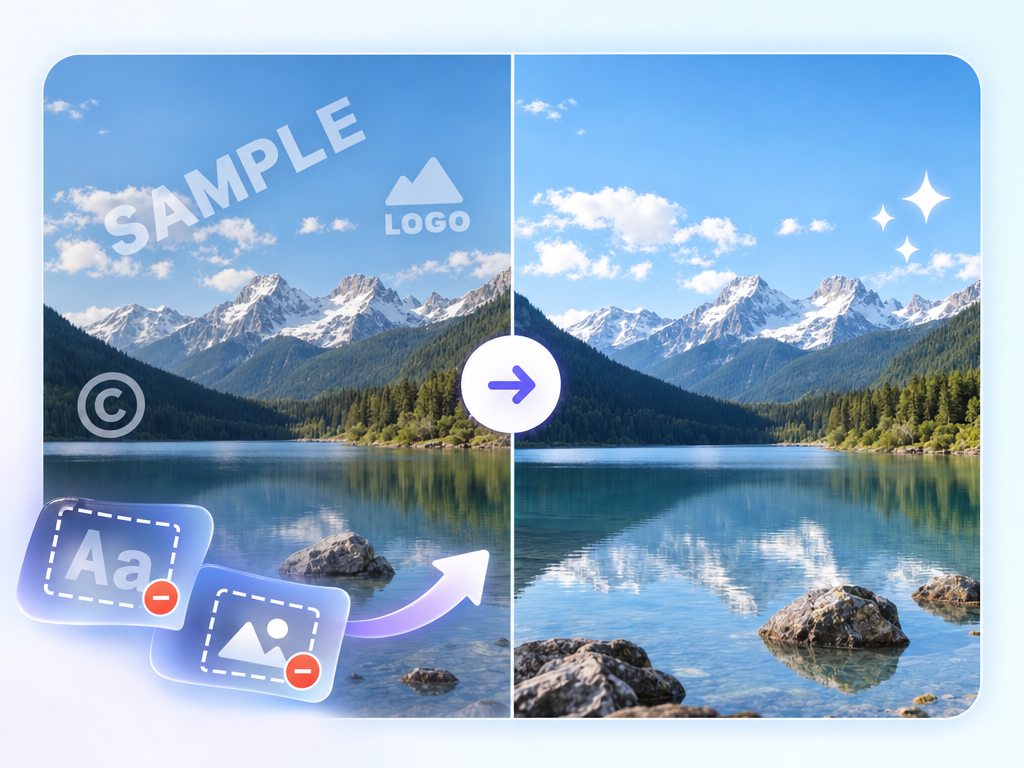
AI Image Watermark Remover: Watermark Erasure Review & Practical Guide
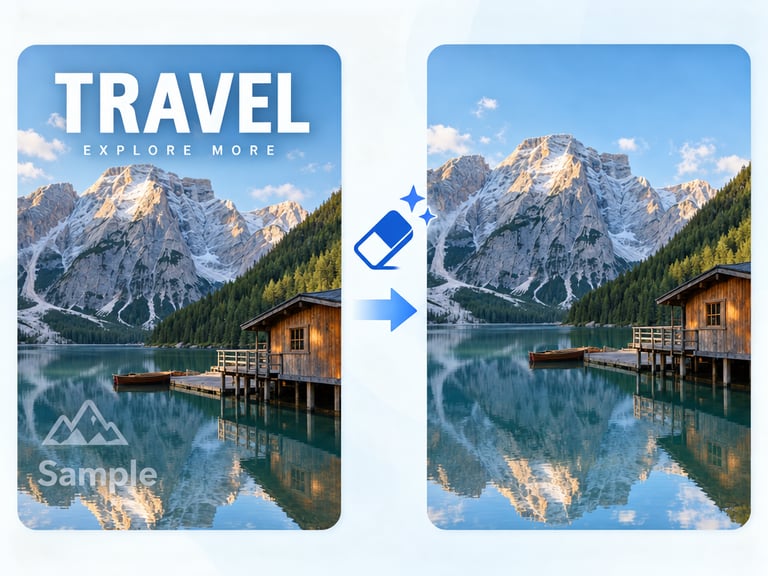
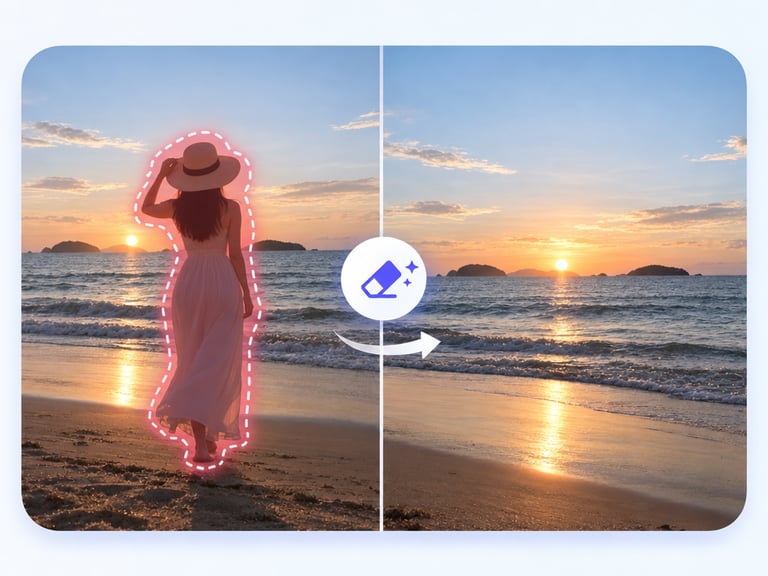
AI Image Watermark Remover detects and removes text and logo watermarks from images while preserving the texture and background underneath. It is the image counterpart to video watermark removal - same problem, same hard part: after the mark is gone, the image has to look like it was never there.
The reconstruction is what separates a professional result from a blur job. The model rebuilds the covered area with matching texture, lighting, and scene structure, so the removal is invisible. That standard matters for the legitimate uses - cleaning your own assets, prepping licensed images, and removing unwanted marks from owned content.
Quick Facts
| Attribute | Value |
|---|---|
| Tool name | AI Image Watermark Remover |
| Tool ID | image-watermark-remover |
| Category | AI image editing / cleanup |
| Primary task | Remove text and logo watermarks from images |
| Input | Image with watermark |
| Output | Cleaned image |
| API | REST inference, no cold starts |
| Best for | Asset cleanup, owned content prep, archive restoration |
Table of Contents
- First Impressions
- Core Features
- What to Watch For
- Core Advantages
- Best Use Cases
- Who Should Use It
- FAQ
1. First Impressions
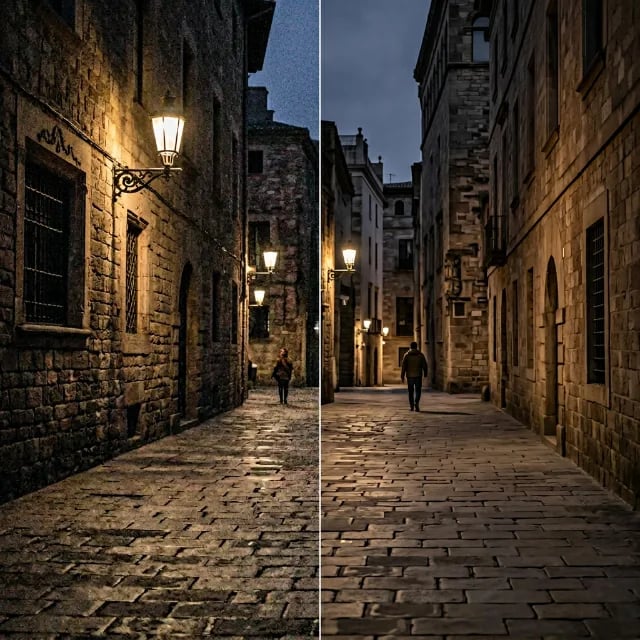
The removal is genuinely clean: watermarks disappear and the space they occupied is rebuilt with matching texture and lighting, with no tell-tale blur or smudge. On patterned and textured images - fabric, foliage, brick - the reconstruction holds together well.
It is a focused tool for a focused problem. For teams cleaning up branded previews of their own work or prepping owned images for new uses, it removes a tedious manual retouching step.
2. Core Features
- Automatic detection: finds text and logo watermarks without manual selection.
- Texture-preserving reconstruction: rebuilds the covered area naturally.
- Artifact-free results: removal avoids smudging, blurring, or ghosting.
- Broad applicability: handles corner logos, repeating watermarks, and caption strips.
- REST inference API: no cold starts, suited to batch cleanup.
3. What to Watch For
- Complex textures are harder: highly detailed or repeating patterns behind the mark need more inference.
- Large watermarks leave more to reconstruct: the bigger the covered area, the more the model must invent.
- Rights are your responsibility: removing watermarks from content you don't own is a legal matter.
- Check for remnants: in patterned areas, verify no faint mark remains.
4. Core Advantages
- Invisible removal: results look untouched, the standard that matters for professional use.
- One-pass workflow: no manual cloning or healing brush work.
- Batch-friendly: cleaning a library of preview assets becomes practical.
- Broad mark coverage: handles text and logo watermarks in varied placements.
5. Best Use Cases
- Cleaning watermarked previews of content you own before final publication.
- Prepping licensed images for new layouts.
- Archive cleanup where old marks need removal.
- Rebranding assets that carry a previous company's logo.
6. Who Should Use It
Pick it up if you manage image assets - owned previews, licensed files, or archives - that carry watermarks you're entitled to remove.
Skip it if you don't have the rights to the content, or if watermarks cover large, complex areas of every image.