99.9% SLA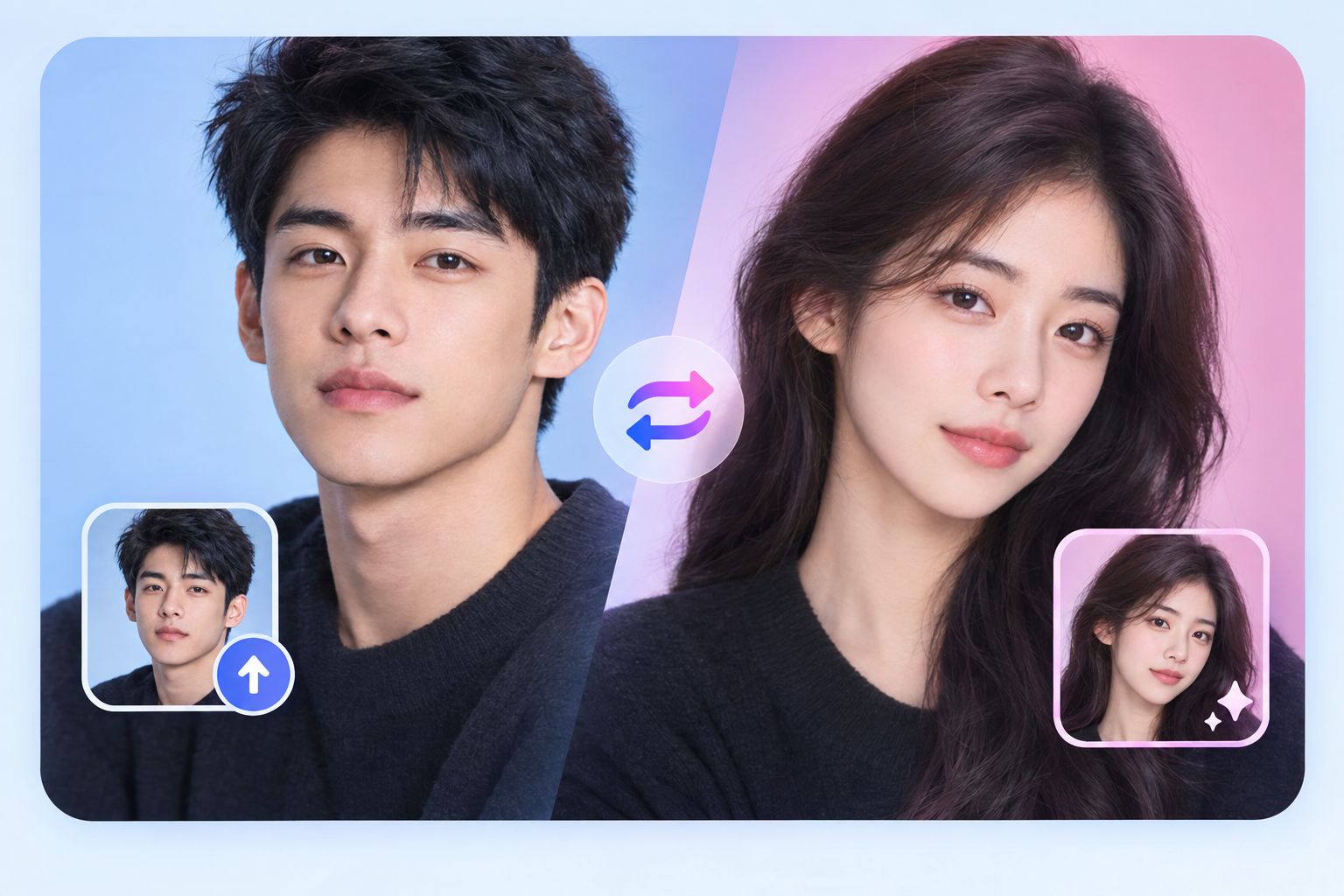
AI Gender Swap: AI Photo Filter Review & Practical Guide
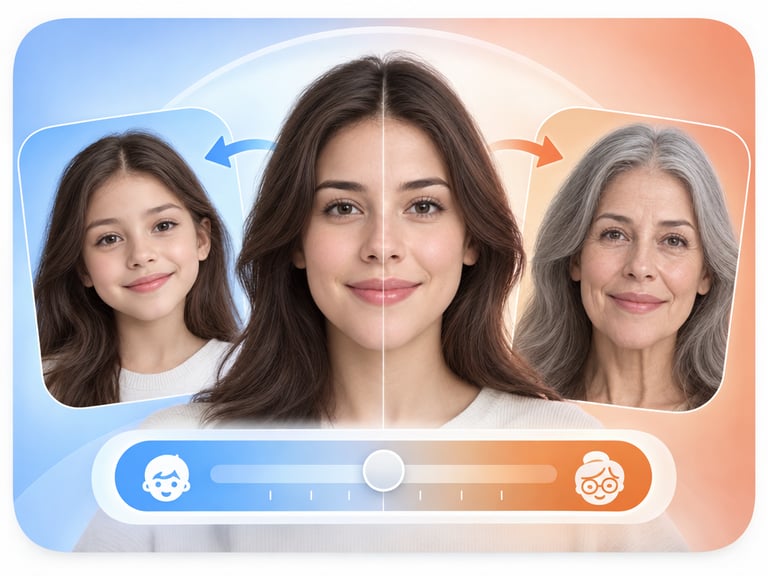
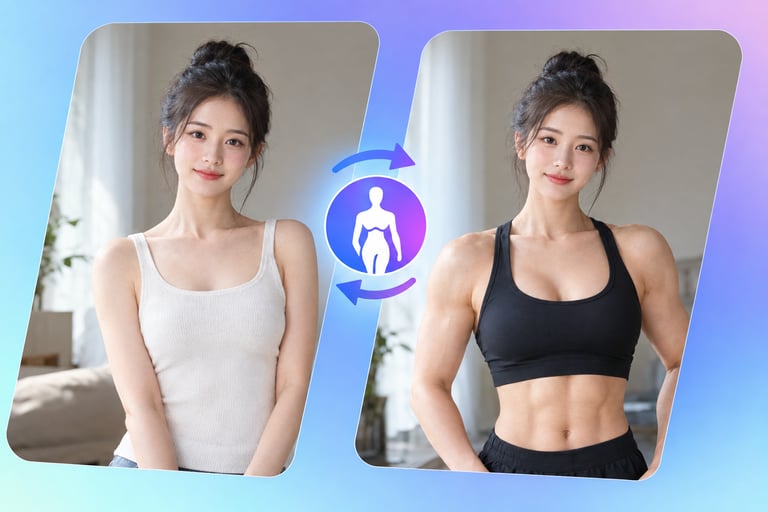
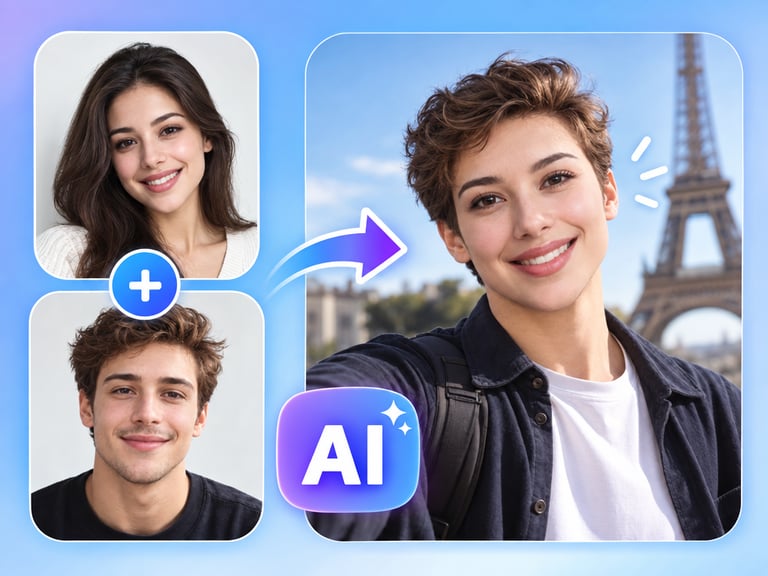
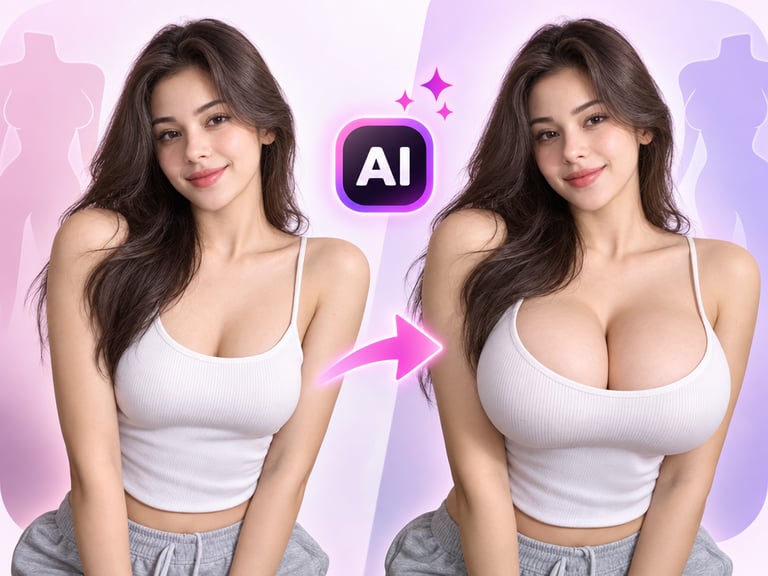
AI Gender Swap is exactly what the name promises: upload a portrait, and the model re-renders it with the facial cues of the opposite gender while keeping the pose, framing, and identity of the original person mostly intact. It is the kind of tool people reach for when they want a quick, convincing preview rather than a carefully art-directed composite.
The output sits somewhere between a filter and a full face swap. It does not paste someone else's face onto your photo; it transforms your own features - jawline, brow, skin texture, hair - so the result still reads as "you, reimagined." For content creators, that distinction matters a lot more than raw accuracy, because it keeps the result usable in public-facing content without looking uncanny.
Quick Facts
| Attribute | Value |
|---|---|
| Tool name | AI Gender Swap |
| Tool ID | ai-gender-swap |
| Category | AI photo editing / portrait transformation |
| Primary task | Gender-swap transformation of portrait photos |
| Input | Single portrait photo |
| Output | Transformed portrait image |
| API | REST inference, no cold starts |
| Best for | Social content, creative profiles, costume and character previews |
Table of Contents
- First Impressions
- Core Features
- What to Watch For
- Core Advantages
- Best Use Cases
- Who Should Use It
- FAQ
1. First Impressions
Gender-swap filters have existed in consumer apps for years, but most of them fail on the same two things: keeping the person recognizable and keeping the skin and hair natural instead of plastic. AI Gender Swap handles both better than the app-store average, which puts it in a different category from a novelty filter.
It is also refreshingly simple operationally. There is no prompt engineering, no model selection, no negative prompts to babysit. You send a photo, you get a result. That makes it a good candidate for developers who want a gender-swap feature in their product without hiring a computer-vision team.
2. Core Features
- Single-image transformation: one portrait in, one transformed portrait out, with no reference photo or style guide required.
- Identity preservation: the transformation edits facial attributes rather than swapping in a different face, so the original person stays recognizable.
- Pose and framing retention: composition, camera angle, and expression remain largely untouched, which keeps results usable in existing layouts.
- REST inference API: designed for drop-in integration, with no cold starts and predictable pricing for production workloads.
- Batch-friendly: simple request/response shape makes it easy to queue large sets of photos for processing.
3. What to Watch For
- Result consistency varies with input quality: well-lit, front-facing, high-resolution portraits produce far better results than angled, grainy, or partially occluded ones.
- It is a transformation, not a swap: if your use case needs a specific person's face, this is the wrong tool - you want a face-swap model instead.
- Stylization can creep in: on tricky inputs, skin texture can smooth toward a beauty-filter look. Feed it real photos, not already-filtered ones, for the most natural output.
- Consent and platform rules: gender transformation content needs care around how the image was obtained and where it gets published. Keep the original source authorized.
4. Core Advantages
- No expertise required: the model decides what changes to make, which removes the fiddliest part of portrait editing.
- Fast feedback loop: useful for rapid A/B testing of looks, character concepts, or creative directions before committing to a full edit.
- Production-ready plumbing: REST API, no cold starts, predictable cost - the boring parts are handled.
- Wider creative range: the same photo can explore multiple looks, which is valuable for character design, costuming, and content experimentation.
5. Best Use Cases
- Social and short-form content that plays with identity and perspective.
- Character and costume previews for cosplay, theater, or concept art.
- Creative profile pictures and brand avatars.
- Interactive features inside photo-editing apps or entertainment products.
6. Who Should Use It
Pick it up if you need fast, believable gender-swap results without a dedicated editor, or you want to add the feature to a product via a simple API.
Skip it if you need a true face swap with a specific identity, precise manual control over each facial feature, or if your images are too low quality to transform cleanly.