99.9% SLA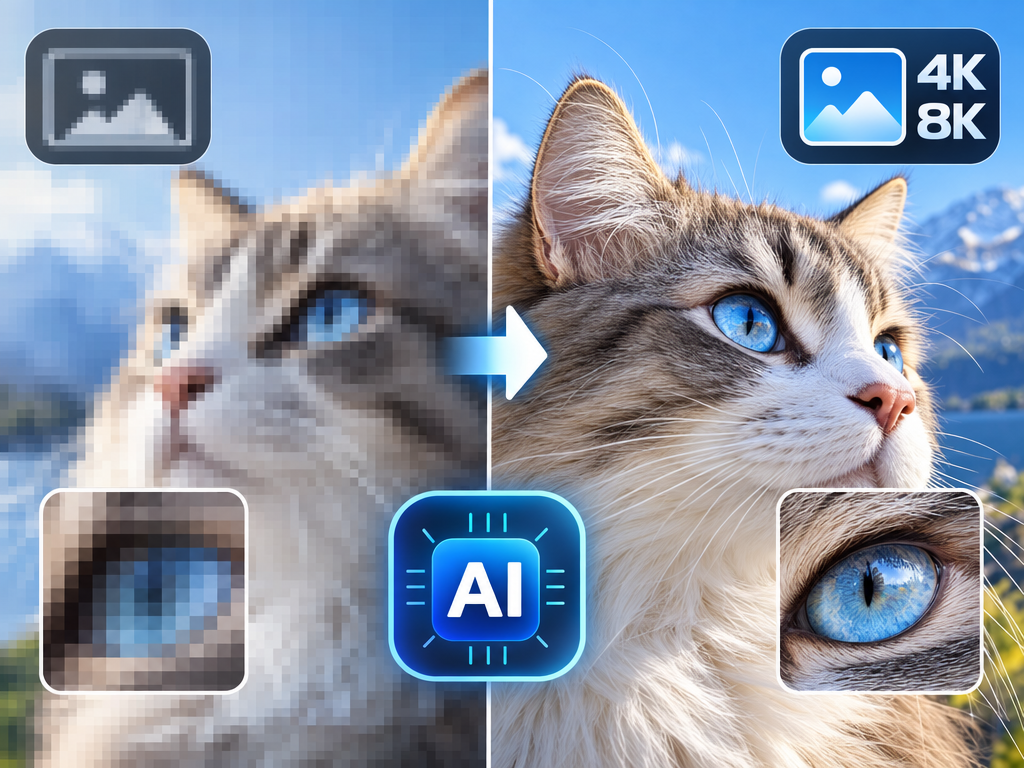
AI Image Upscaler: AI Super-Resolution Review & Practical Guide
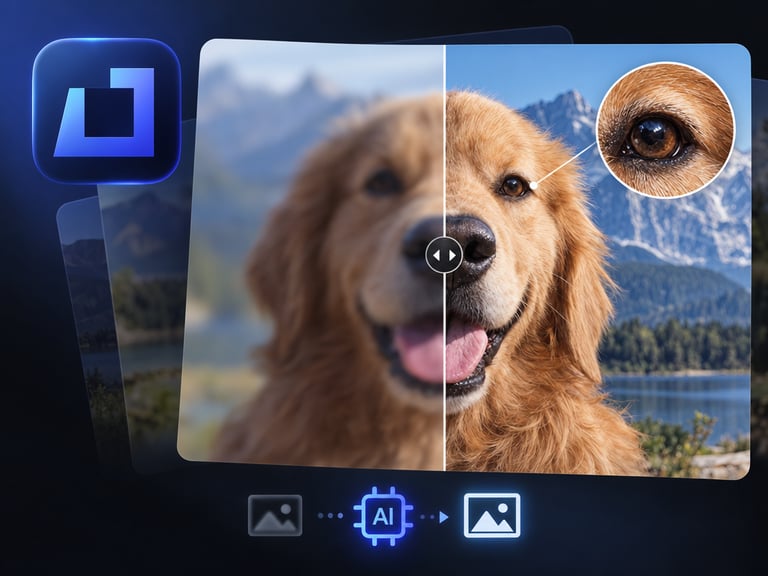
AI Image Upscaler increases image resolution to 4K or 8K while recovering detail and clarity. It is not interpolation - simple resizing makes pixels bigger but adds no information. This model reconstructs texture, sharpens edges, and cleans up the softness that makes small images unusable at large sizes.
For anyone who has tried to print a phone screenshot or place a small asset on a big banner, the value is immediate. The practical question is how much real detail the model can recover from the source, because upscaling has a ceiling: it can reveal and refine what's there, but it cannot invent data that compression destroyed.
Quick Facts
| Attribute | Value |
|---|---|
| Tool name | AI Image Upscaler |
| Tool ID | image-upscaler |
| Category | AI image enhancement |
| Primary task | Upscale images to 4K/8K with detail recovery |
| Input | Low-resolution image |
| Output | High-resolution upscaled image |
| API | REST inference, no cold starts |
| Best for | Print, e-commerce, graphics, archives, product photography |
Table of Contents
- First Impressions
- Core Features
- What to Watch For
- Core Advantages
- Best Use Cases
- Who Should Use It
- FAQ
1. First Impressions
The output passes the real test: printed at size, the upscaled image holds up. Edges are firm, textures have structure, and there is no visible pixel grid or watercolor mush. The model recovers the kind of detail that makes a small photo behave like a big one.
It is a workhorse tool rather than a showy one. For photographers, e-commerce teams, and designers, it quietly solves the problem of assets that need to be bigger than their source.
2. Core Features
- 4K and 8K output: matches modern print and display standards.
- Detail reconstruction: recovers texture and edge definition instead of just resizing.
- Clarity improvement: reduces softness and blockiness in upscaled results.
- Photo and graphics support: works across photographic and designed assets.
- REST inference API: batch-friendly with no cold starts.
3. What to Watch For
- Source quality sets the ceiling: tiny, heavily compressed images can only be refined so far.
- Faces and fine text need a check: these reveal artifacts first when upscaling aggressively.
- Over-upscaling unrealistic sources: a 100px icon won't become a true 8K photograph.
- Batch consistency: apply consistent settings across a set so the catalog doesn't look uneven.
4. Core Advantages
- Print-ready output: small assets become usable at large physical sizes.
- Better than interpolation: real detail recovery beats pixel-stretching filters.
- Volume-friendly: e-commerce and archive teams can process catalogs.
- Simple integration: REST API with no cold starts fits existing asset pipelines.
5. Best Use Cases
- Print production - posters, banners, packaging from small sources.
- E-commerce product images that need consistent high resolution.
- Graphic design assets upscaled for large formats.
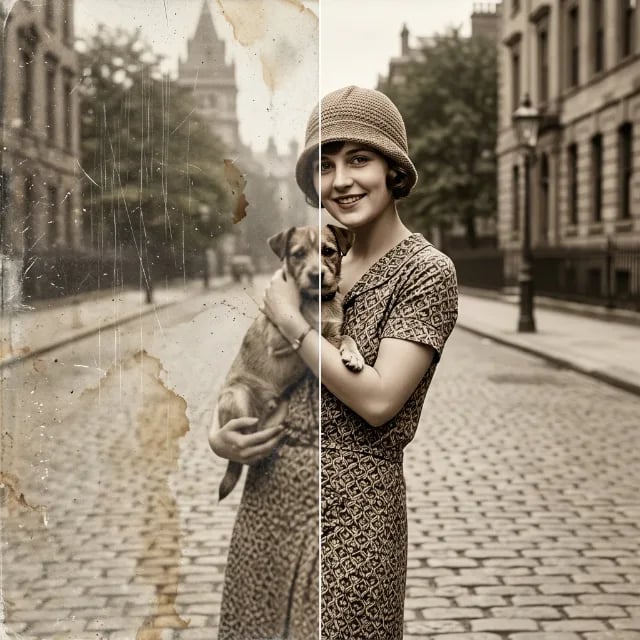
- Archival photo cleanup before restoration or display.
6. Who Should Use It
Pick it up if you routinely need larger, cleaner versions of images - print, e-commerce, or design work - and want quality beyond what resizing gives you.
Skip it if your sources are so degraded that there is no detail to recover; upscaling can't restore what compression erased.