99.9% SLA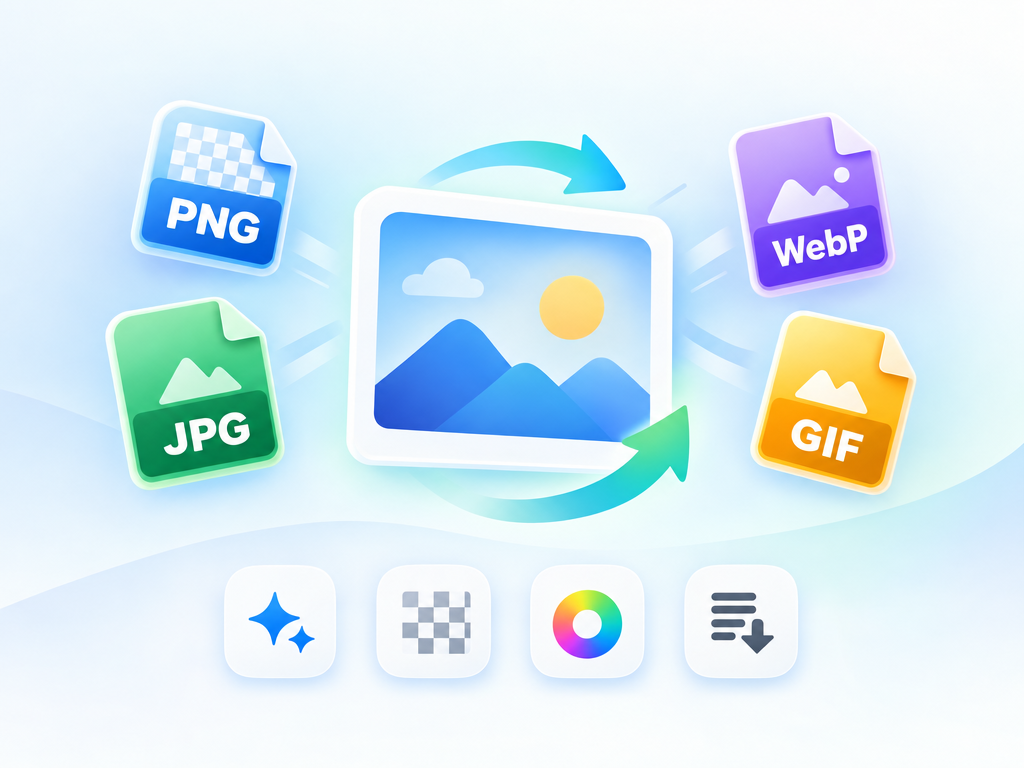
AI Image Converter: Format Conversion Review & Practical Guide
AI Image Converter handles image format conversion - the everyday task of moving files between PNG, JPG, WebP, and other formats. On the surface that sounds mundane, but anyone managing web assets knows conversion is never just conversion: quality, transparency, color space, and file size all have to survive the trip.
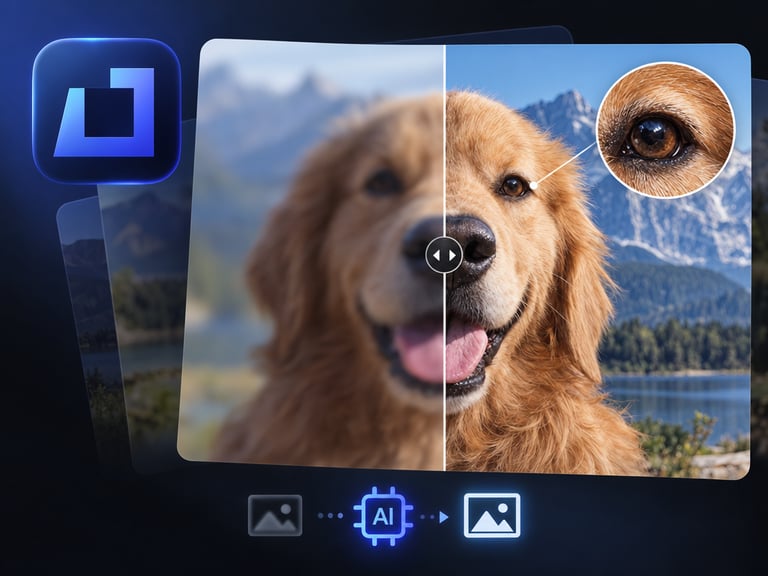
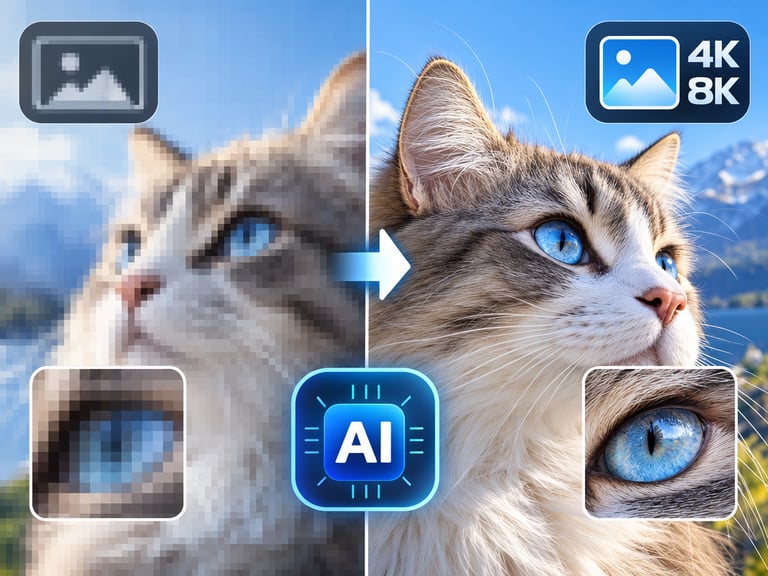
The AI angle matters where naive conversion fails. Re-encoding to a lossy format without adjusting for content produces banding, color shifts, and crushed detail. A conversion tool that understands the image content can make smarter quality decisions - preserving what matters visually instead of blindly applying a codec.
Quick Facts
| Attribute | Value |
|---|---|
| Tool name | AI Image Converter |
| Tool ID | image-converter |
| Category | AI image tooling |
| Primary task | Convert images between formats with quality preservation |
| Input | Image in one format |
| Output | Converted image in target format |
| API | REST inference, no cold starts |
| Best for | Web publishing, e-commerce, design workflows, asset pipelines |
Table of Contents
- First Impressions
- Core Features
- What to Watch For
- Core Advantages
- Best Use Cases
- Who Should Use It
- FAQ
1. First Impressions
As a format converter, it does the obvious job dependably - the output opens everywhere, keeps dimensions, and maintains visual quality across the conversion. What stands out is the quality handling: converted files avoid the banding and color drift that plague naive re-encoding.
It is a utility, and it behaves like a good one: predictable, fast, and suited to automated pipelines where conversion happens at volume.
2. Core Features
- Multi-format conversion: moves images between common formats cleanly.
- Quality-aware re-encoding: preserves visual detail through lossy conversions.
- Transparency handling: alpha channels are treated correctly where supported.
- Automation-ready: REST API fits asset pipelines and batch jobs.
- No cold starts: predictable performance for production workflows.
3. What to Watch For
- Lossy targets lose data: converting to JPG or WebP always discards some information - that's the format, not the tool.
- Check transparency in lossy formats: formats like JPG don't support alpha; pick PNG/WebP when transparency matters.
- Color space verification: review colors after conversion for profile-sensitive work.
- Review at scale: spot-check a batch before publishing thousands of converted assets.
4. Core Advantages
- Quality-focused conversion: better than blind re-encoding for visual fidelity.
- Pipeline-ready: conversion at scale without babysitting.
- Format flexibility: one endpoint covers the common web and design formats.
- Low integration cost: a simple utility that removes a repetitive step.
5. Best Use Cases
- Web publishing - generating WebP/AVIF-friendly variants.
- E-commerce catalog format normalization.
- Design-to-production asset handoffs.
- Batch conversion in automated content pipelines.
6. Who Should Use It
Pick it up if you publish or process images at volume - web, e-commerce, or design - and want dependable, quality-aware conversion in your pipeline.
Skip it if you only convert a file occasionally and a standard tool already covers the formats you need.