99.9% SLA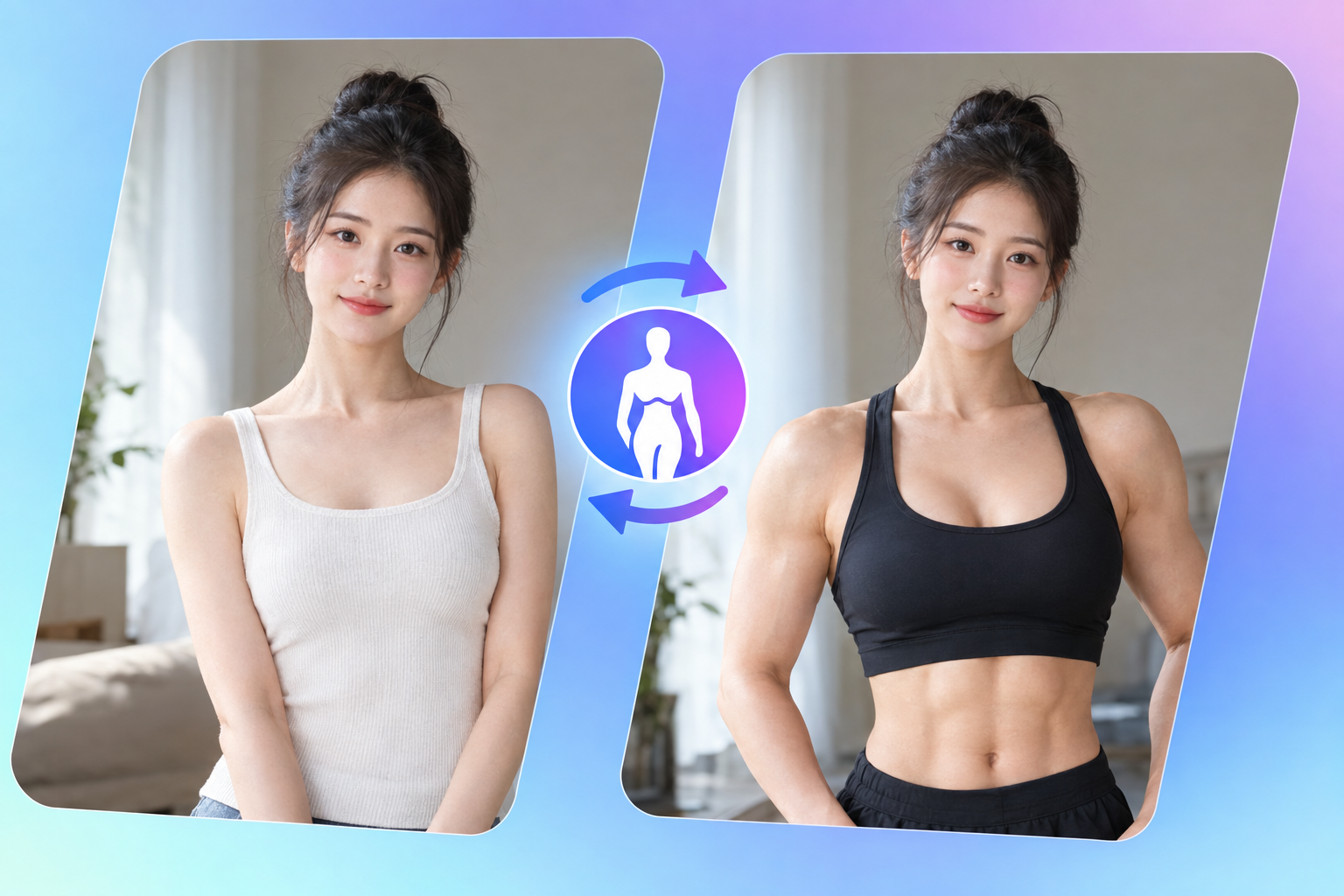
Image Body Swap: AI Body Replacement Review & Practical Guide
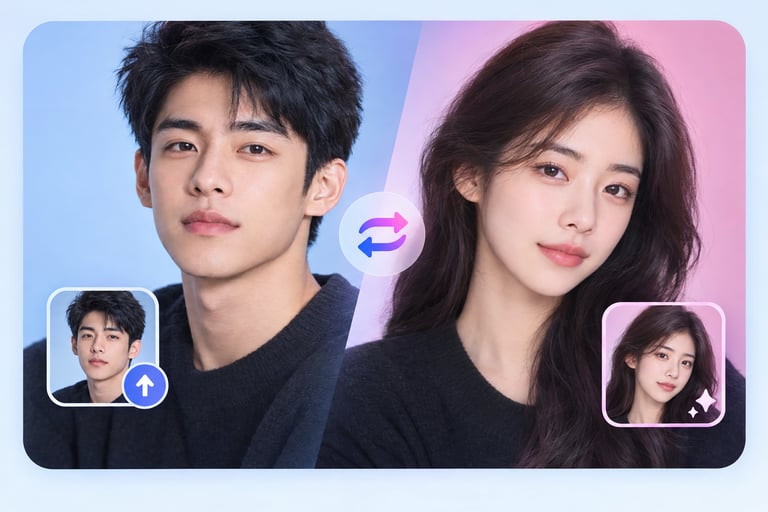
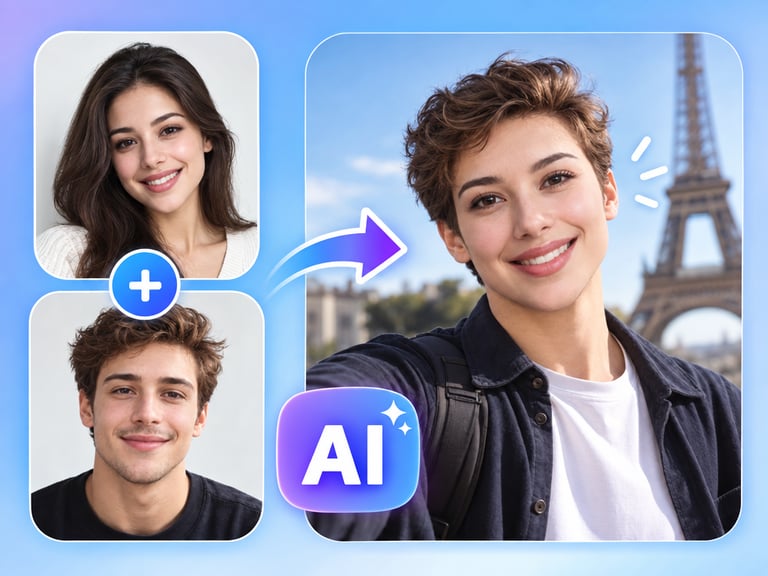
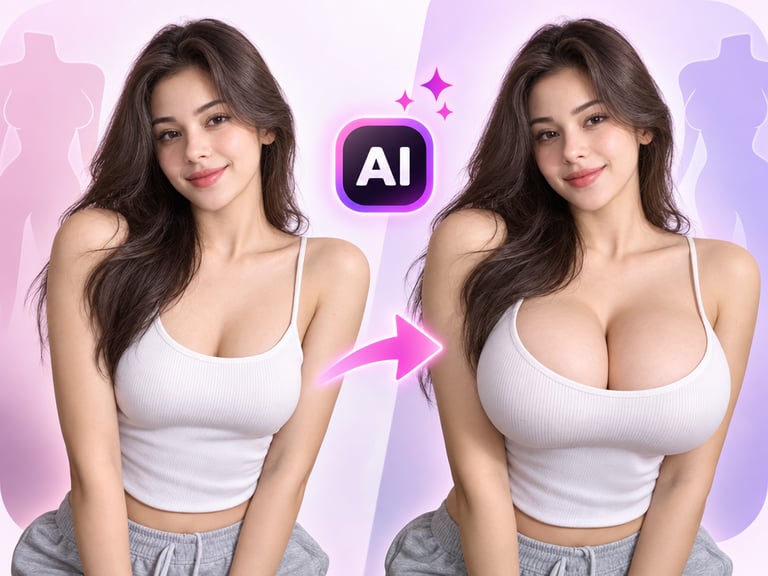
Image Body Swap replaces the body in a photo - a portrait becomes a different physique, pose, or body while the face stays put. It is the body-level sibling of face swap, and it shares the same core challenge: the replacement has to match the original photo in lighting, skin tone, and perspective or the composite falls apart.
The legitimate uses are real: creative portraiture, character development, fashion visualization, and entertainment content. The quality test is whether the new body reads as belonging to the head attached to it - skin match, pose coherence, and believable lighting are everything.
Quick Facts
| Attribute | Value |
|---|---|
| Tool name | Image Body Swap |
| Tool ID | image-body-swap |
| Category | AI photo editing / portrait transfer |
| Primary task | Replace the body in a photo |
| Input | Photo + body reference or description |
| Output | Composite photo with replaced body |
| API | REST inference, no cold starts |
| Best for | Creative portraiture, character design, fashion previews, entertainment |
Table of Contents
- First Impressions
- Core Features
- What to Watch For
- Core Advantages
- Best Use Cases
- Who Should Use It
- FAQ
1. First Impressions
On a clean input - a full-body shot with consistent lighting - the composite is surprisingly tight. The head and new body share skin tone and lighting direction, and the pose feels physically plausible rather than assembled. That coherence is the difference between a usable edit and a horror-show composite.
It is a niche tool with a creative core. For photographers and designers exploring body types, poses, or costume changes without a reshoot, it collapses a multi-step editing process into one request.
2. Core Features
- Head-to-body compositing: the face stays consistent while the body is replaced.
- Skin and lighting matching: the new body is rendered to match the source photo's tone and light.
- Pose coherence: replaced bodies align plausibly with the head's position and angle.
- Flexible input: work from a body reference image or a described physique.
- REST inference API: no cold starts, built for photo-editing products.
3. What to Watch For
- Lighting mismatches are the enemy: a body lit from a different direction than the head will always look wrong.
- Perspective matters: body and head angles must agree for the result to be believable.
- Consent required: swapping real people's bodies needs explicit permission from the people involved.
- Detail zones: hands and neck transitions are where artifacts appear - check them before publishing.
4. Core Advantages
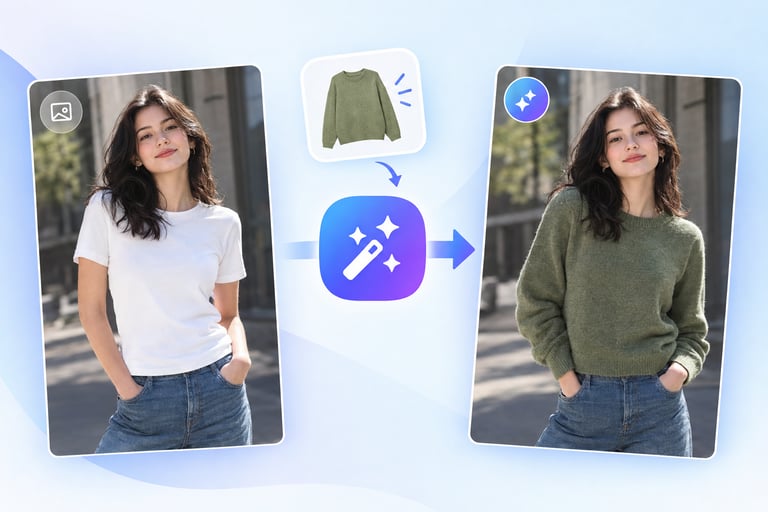
- Reshoot-free exploration: try body types, poses, or outfits without a new shoot.
- Coherent composites: the output is matched for tone and light, not a visible paste job.
- Fast iteration: multiple body options for one portrait in minutes.
- Creative range: extends portrait work into character and concept territory.
5. Best Use Cases
- Creative portraiture and editorial concepts.
- Character and costume visualization for games, film, and theater.
- Fashion and e-commerce previews of body-driven styles.
- Entertainment and social content built around body transformation.
6. Who Should Use It
Pick it up if you create portrait, character, or fashion content and need body-level variations without reshooting.
Skip it if your source photos have conflicting lighting and angles that no composite can reconcile, or you lack consent for the people involved.