99.9% SLA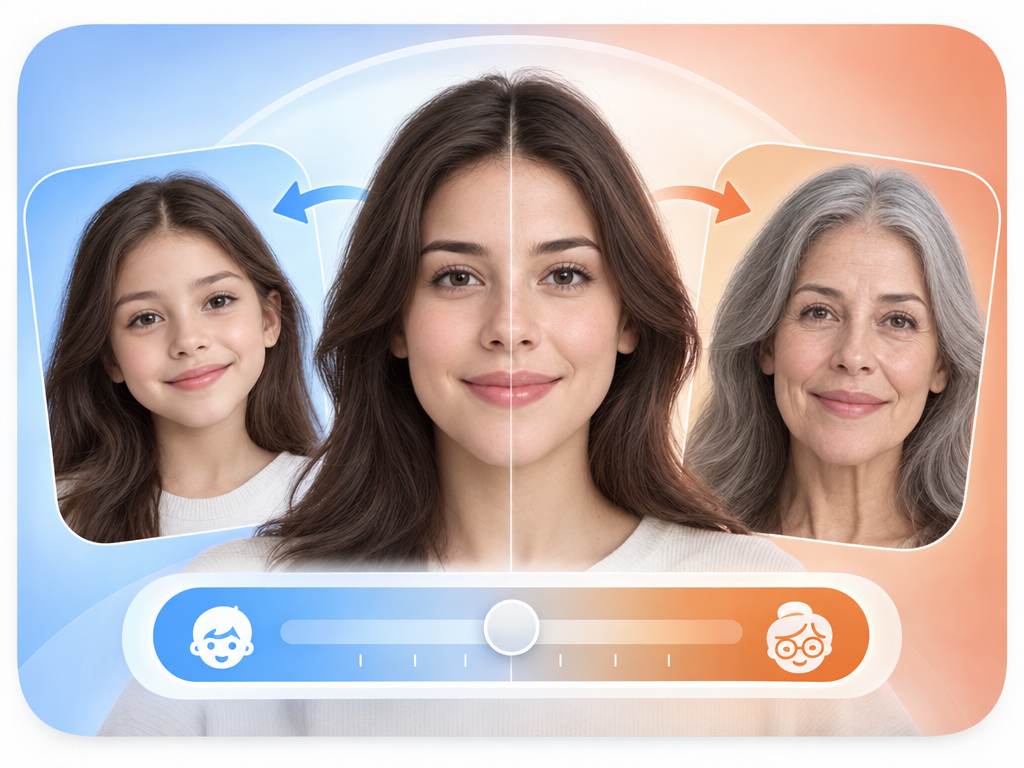
AI Age Filter: Age Transformation Review & Practical Guide
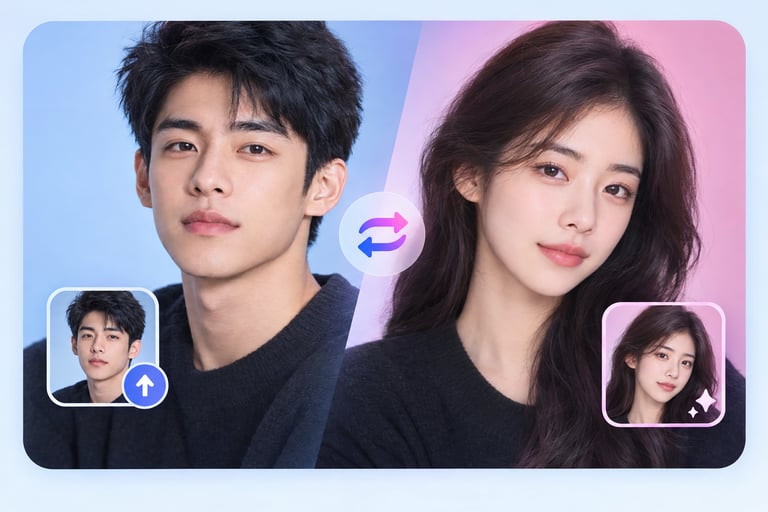
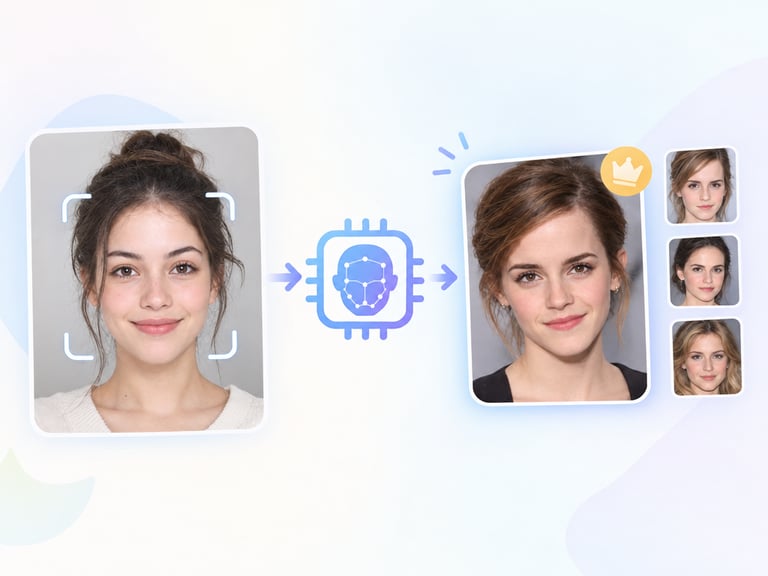
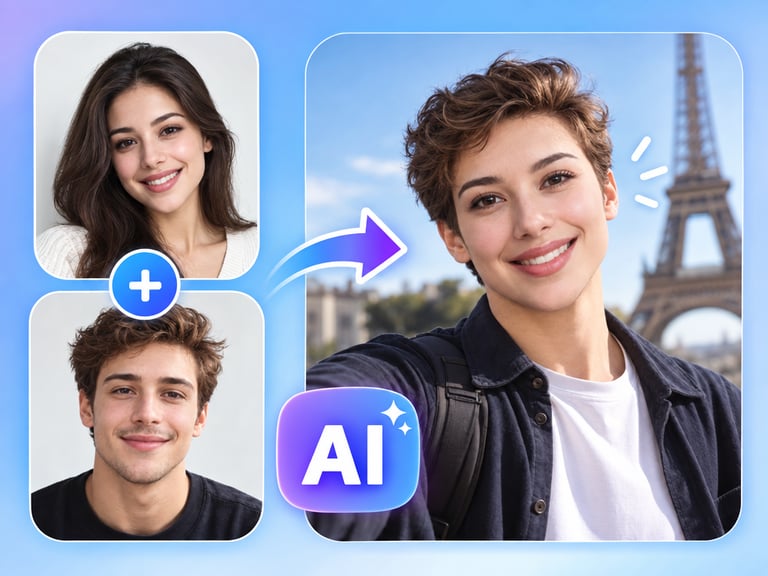
AI Age Filter transforms faces in photos - showing someone older or younger based on the direction you choose. It re-renders skin, hair, and facial structure along an age axis while keeping the person recognizable.
Age transformation is popular for a reason: it's emotionally immediate. Seeing a child as an adult or a parent as young again is the kind of output people share. But the quality bar is whether the aged version still looks like the same person - a filter that just adds wrinkles to a face breaks the illusion as fast as one that doesn't add any.
Quick Facts
| Attribute | Value |
|---|---|
| Tool name | AI Age Filter |
| Tool ID | ai-age-filter |
| Category | AI photo editing / face transformation |
| Primary task | Age or de-age faces in photos |
| Input | Portrait photo + age direction |
| Output | Age-transformed portrait |
| API | REST inference, no cold starts |
| Best for | Social content, creative projects, missing-person visualization, entertainment |
Table of Contents
- First Impressions
- Core Features
- What to Watch For
- Core Advantages
- Best Use Cases
- Who Should Use It
- FAQ
1. First Impressions
The transformation is more than a skin-texture swap. Aging a face adds the structural changes - jaw definition, skin elasticity, hairline - that make an aged version feel like a plausible future, while de-aging restores the smoothness and fullness of youth. The identity anchor holds: you can still tell who it is.
It is the kind of tool that works best with clear, frontal portraits and delivers share-worthy results quickly. For creative and social use, that's the entire requirement.
2. Core Features
- Age progression and regression: works in both directions.
- Identity preservation: transformed faces remain recognizable as the same person.
- Structural realism: changes go beyond wrinkles to jaw, skin, and hairline cues.
- Natural rendering: avoids the rubbery, uncanny look of simple texture filters.
- REST inference API: no cold starts for apps and creative tools.
3. What to Watch For
- Frontal, clear photos work best: angled or low-res faces limit how convincingly the age change renders.
- It's a projection, not a prediction: the result is a plausible version, not a guaranteed future appearance.
- Contextual use: in missing-person or legal contexts, age-progression output should be labeled as AI-generated.
- Ethical care: transforming real people's images needs consent, especially when published.
4. Core Advantages
- Immediate emotional impact: age transformation produces content people engage with.
- Both directions: one tool covers aging and de-aging.
- Recognizable identity: the result stays connected to the original person.
- Fast iteration: exploring age variants takes seconds.
5. Best Use Cases
- Social and entertainment content - "aged me" and "young me" formats.
- Creative character and casting visualization.
- Missing-person age progression (with proper labeling and oversight).
- Personal and family photo fun.
6. Who Should Use It
Pick it up if you create social or creative content and want believable age transformations with minimal effort, or you build apps that need age-filter features.
Skip it if you need scientifically validated age progression for official purposes - treat those outputs as illustrative, not evidentiary.