99.9% SLA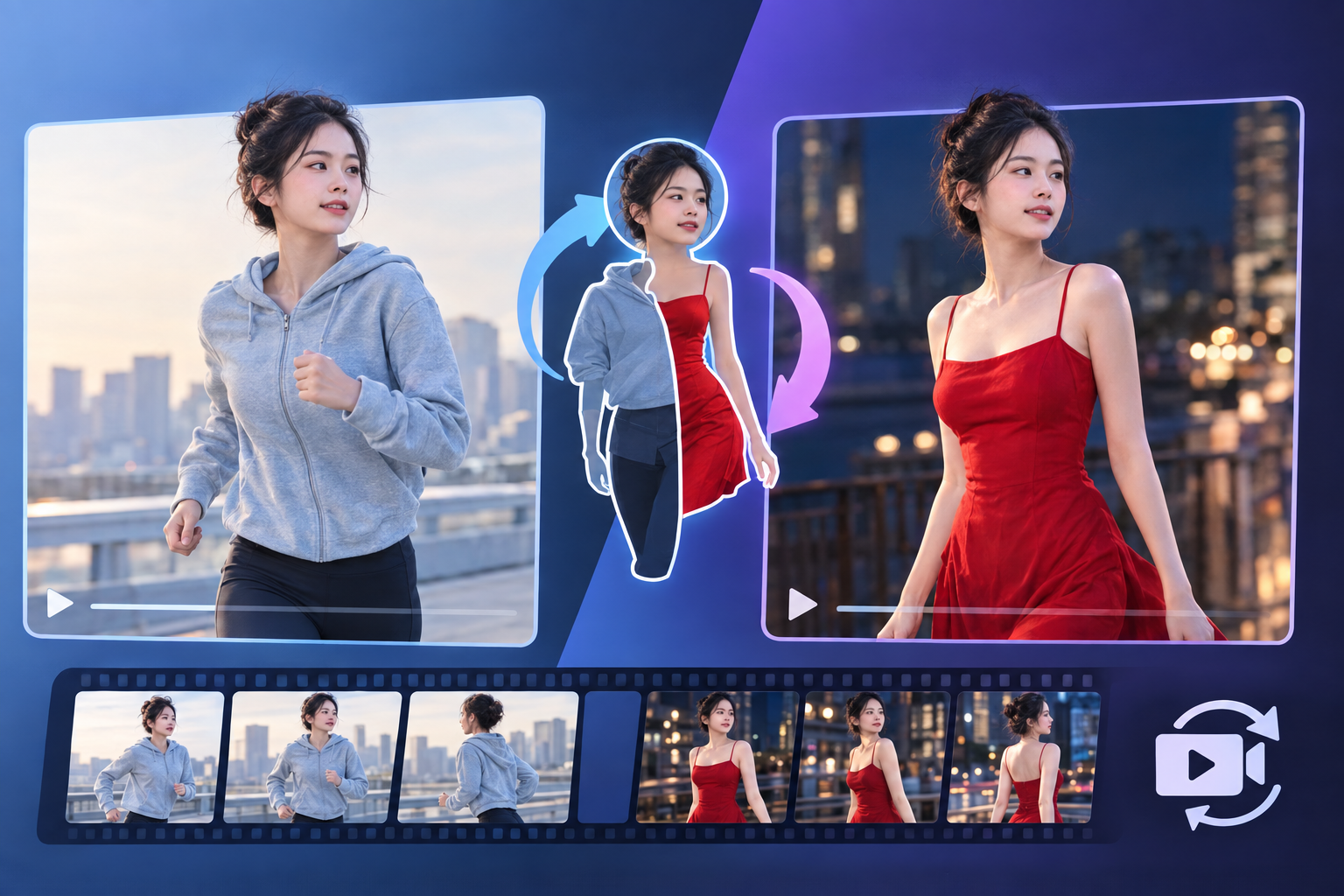
Video Body Swap: AI Body Replacement Review & Practical Guide
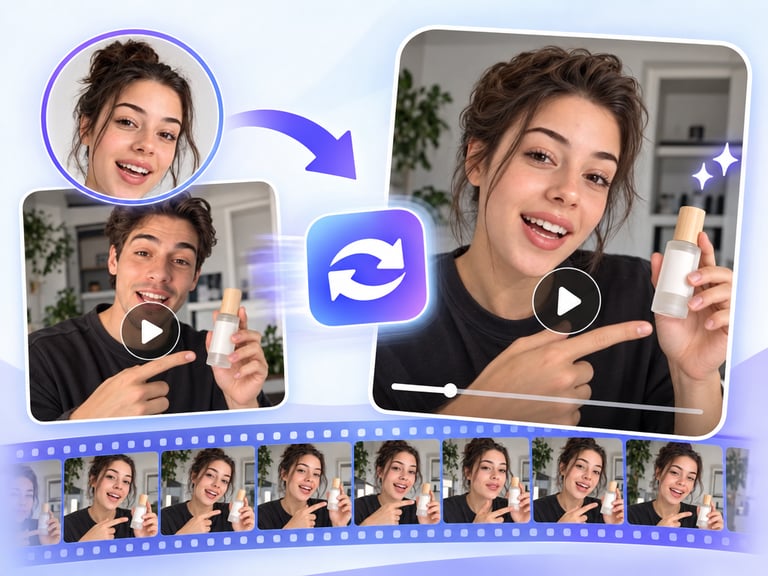
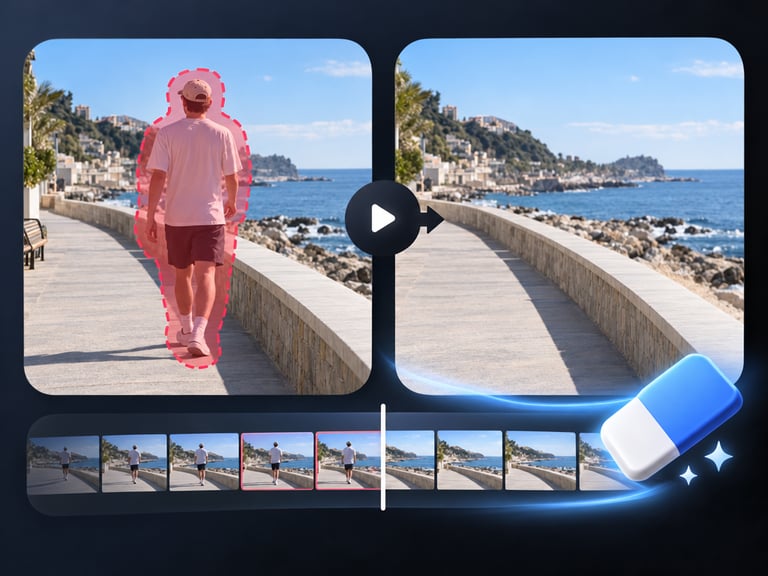
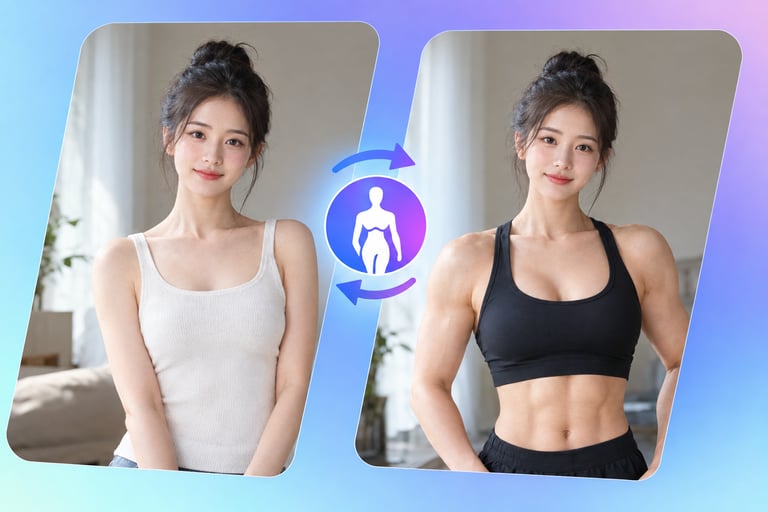
Video Body Swap replaces the body in video footage while keeping the head and performance intact. It is the motion version of image body swap, and the added difficulty is obvious: the replacement has to stay attached, lit, and proportionally correct across every frame, through movement, turns, and cuts.
The legitimate use cases mirror production reality - stunt work, body-double integration, creative character content, and entertainment formats. The quality test is whether the composite holds in motion, because a body that drifts from its head for even a few frames is instantly visible.
Quick Facts
| Attribute | Value |
|---|---|
| Tool name | Video Body Swap |
| Tool ID | video-body-swap |
| Category | AI video editing / portrait transfer |
| Primary task | Replace bodies in video footage |
| Input | Video + body reference or description |
| Output | Video with replaced body |
| API | REST inference, no cold starts |
| Best for | Production VFX, creative content, character work, entertainment |
Table of Contents
- First Impressions
- Core Features
- What to Watch For
- Core Advantages
- Best Use Cases
- Who Should Use It
- FAQ
1. First Impressions
The composite holds up in motion on well-shot footage: the body tracks the head through walking, turning, and gesturing, with proportions and lighting staying consistent frame to frame. When it works, it looks like the person in the footage simply had a different body.
It is a specialist tool for a specialist problem. The gap it fills is the production headache of replacing or altering a body in existing footage without reshooting - and it fills it in one pass.
2. Core Features
- Frame-accurate body replacement: the new body tracks the subject through movement.
- Head retention: the original face and performance stay intact.
- Proportion and lighting consistency: the composite maintains believable scale and illumination.
- Motion coherence: the replaced body moves naturally with the footage.
- REST inference API: no cold starts for production pipelines.
3. What to Watch For
- Clean footage wins: stable framing, good lighting, and full-body shots produce the best composites.
- Fast motion stresses tracking: quick movements and occlusions increase the chance of drift or warping.
- Detail zones: hands and transitions are where artifacts appear - review them frame by frame.
- Consent requirements: replacing bodies of real people requires explicit permission from everyone involved.
4. Core Advantages
- No reshoot needed: body-level changes to existing footage in a single pass.
- Motion-consistent output: the composite holds through movement, not just in stills.
- Production value: useful for stunt integration and creative body transformation.
- Pipeline-ready: designed for video production workflows.
5. Best Use Cases
- Stunt and body-double integration in film and video.
- Character and costume transformations for creative content.
- Entertainment and social formats built around body change.
- Post-production fixes where a body needs replacing.
6. Who Should Use It
Pick it up if you work in video production or creative content and need body-level replacement in footage without reshooting.
Skip it if your footage has extreme motion, heavy occlusions, or uncontrolled lighting that will break any composite, or if you lack consent for the people involved.