99.9% SLA

ByteDance Video Upscaler: AI 4K Upscaling Review & Practical Guide
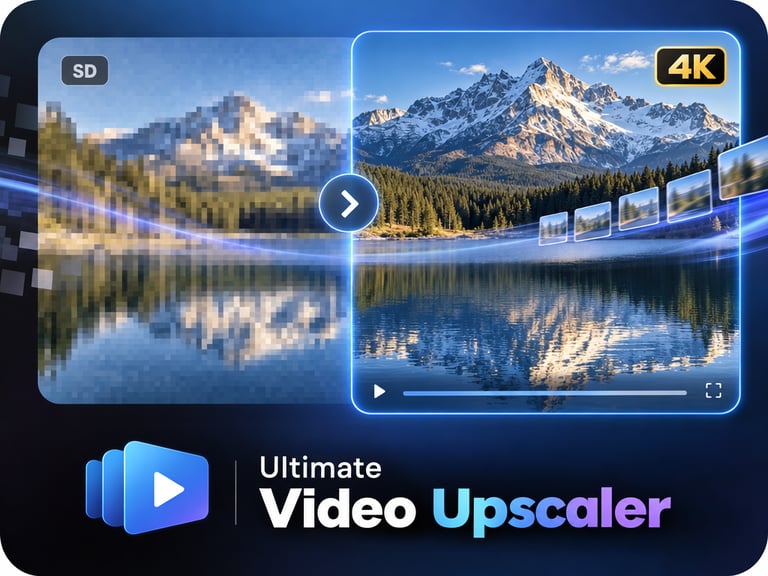
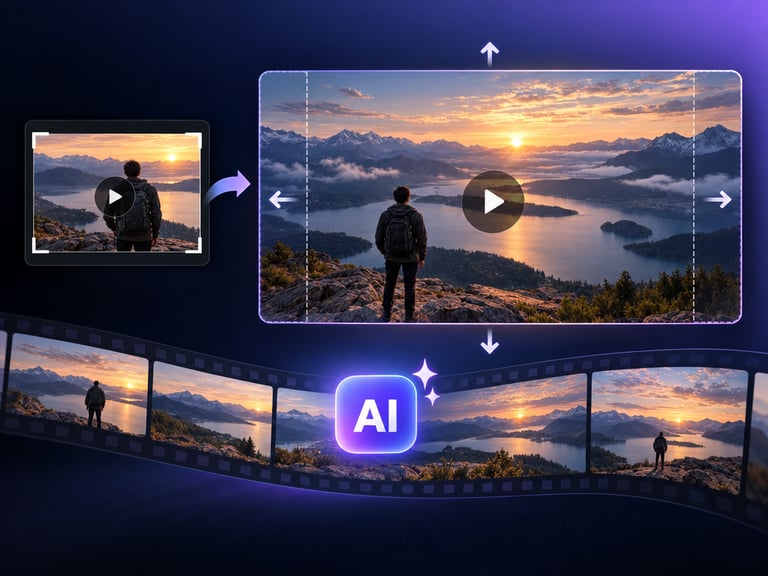
ByteDance Video Upscaler uses AI super-resolution to upscale videos to 4K and recover fine detail, processing in a secure cloud environment. It brings ByteDance's video research to the practical problem of making low-resolution footage presentable on modern screens.
Upscaling quality is judged in motion, not in stills. A frame can look sharp while the video still shimmers, wobbles, or loses detail as objects move. ByteDance's approach is built around temporal consistency - recovering detail that holds across frames, which is the difference between upscaled video and upscaled frames.
Quick Facts
| Attribute | Value |
|---|---|
| Tool name | ByteDance Video Upscaler |
| Tool ID | bytedance-video-upscaler |
| Developer | ByteDance |
| Category | AI video enhancement |
| Primary task | AI super-resolution upscaling to 4K |
| Input | Low-resolution video |
| Output | 4K upscaled video with recovered detail |
| API | REST inference, no cold starts |
| Best for | Archives, streaming libraries, content platforms, production cleanup |
Table of Contents
- First Impressions
- Core Features
- What to Watch For
- Core Advantages
- Best Use Cases
- Who Should Use It
- FAQ
1. First Impressions
The recovered detail is real: fabric texture, foliage, and edges gain structure that simple upscaling would never produce, and the detail stays stable through motion. It behaves like footage that was captured at higher resolution, which is the highest compliment an upscaler can earn.
The secure-cloud framing matters for professional workflows - footage stays inside a managed processing environment, which suits studios and platforms handling sensitive or unreleased content.
2. Core Features
- AI super-resolution: recovers detail and texture beyond pixel-stretching.
- 4K output: meets modern display and delivery standards.
- Temporal consistency: recovered detail holds across frames without shimmer.
- Fine-detail recovery: edges, textures, and fine structure benefit.
- Secure cloud processing: footage is handled in a managed environment.
- REST inference API: no cold starts, batch-ready.
3. What to Watch For
- Source quality sets the ceiling: heavily compressed footage limits how much detail can be recovered.
- Faces and fine text: check these first - they reveal artifacts before anything else.
- Long clips cost compute: 4K processing is resource-intensive; plan for duration-based budget.
- Restoration is separate: scratches, flicker, and color damage need restoration tools, not just upscaling.
4. Core Advantages
- True detail recovery: output looks high-resolution, not just resized.
- Stable in motion: temporal consistency avoids the shimmer that cheap upscalers add.
- Professional trust: secure cloud processing suits studio and platform content.
- Scale-ready: built for libraries and catalogs, not just single clips.
5. Best Use Cases
- Archive and back-catalog upgrades to 4K.
- Streaming library re-mastering.
- Production footage cleanup before delivery.
- Platform content enhancement for 4K requirements.
6. Who Should Use It
Pick it up if you manage video libraries or deliver content that needs to reach 4K standards with genuine detail recovery.
Skip it if your sources are too degraded to recover, or if what you actually need is full restoration (scratch and color repair) rather than upscaling.