99.9% SLA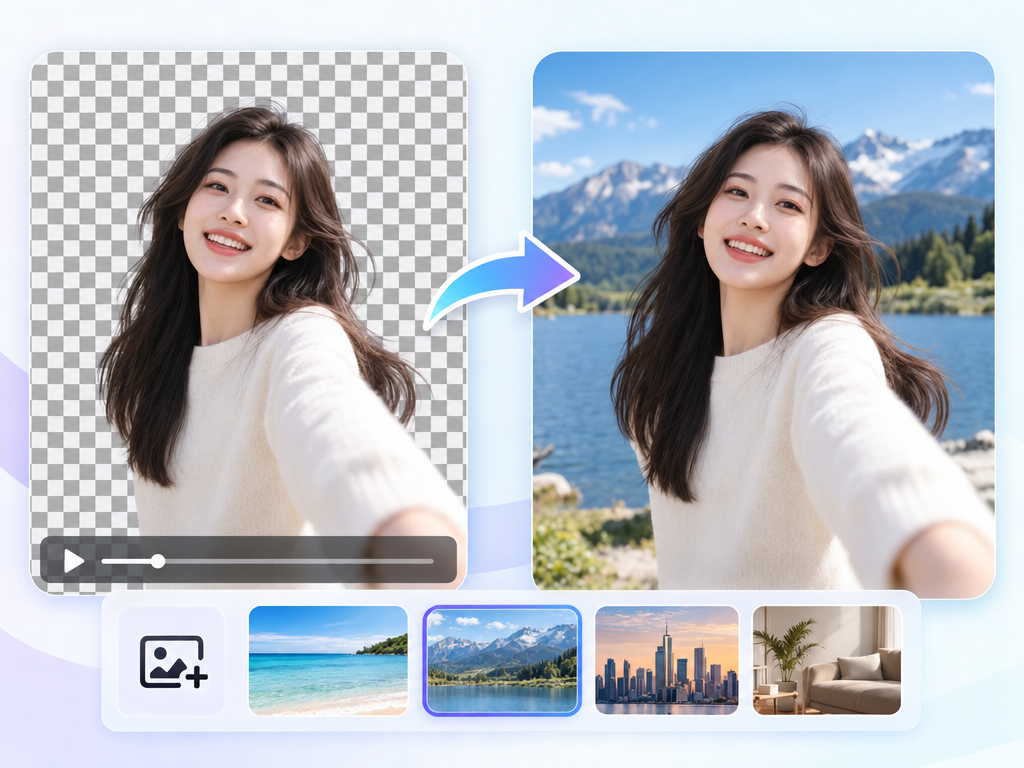
Video Background Remover: AI Compositing Review & Practical Guide
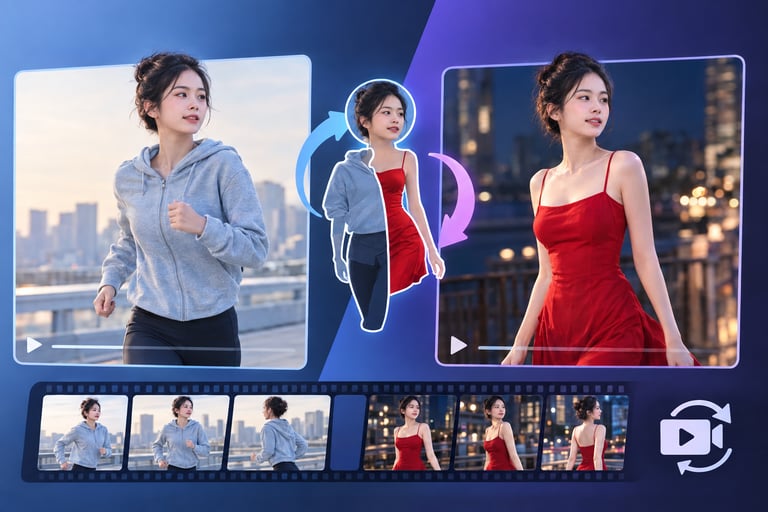
Video Background Remover takes footage and removes or replaces the background with a custom image - no green screen required. Upload a video, supply a background image, and the model produces clean matting with edge-aware blending so the subject looks genuinely placed in the new scene.
Background removal in video is a different beast from photos. Hair, motion blur, and subject movement all fight the matte, and a bad matte shows up as flickering edges on every single frame. This tool is built around solving exactly those problems, which is why the output holds together in motion.
Quick Facts
| Attribute | Value |
|---|---|
| Tool name | Video Background Remover |
| Tool ID | video-background-remover |
| Category | AI video editing / compositing |
| Primary task | Remove or replace video backgrounds with a custom image |
| Input | Video + background image (URL or file) |
| Output | Video with new background |
| API | REST inference, fast response, no cold starts |
| Best for | Creator content, product video, studio-style shots, batch jobs |
Table of Contents
- First Impressions
- Core Features
- What to Watch For
- Core Advantages
- Best Use Cases
- Who Should Use It
- FAQ
1. First Impressions
The headline capability is exactly right: clean matting that tracks the subject through motion. Hair strands and moving limbs stay defined, and the edge-aware blending keeps the subject from looking cut out with scissors. On a typical talking-head or product clip, the composite is convincing.
The workflow is refreshingly direct - video and background image in, composited video out - and it is explicitly built for creator workflows and batch jobs, which tells you the intended audience is people producing content in volume, not VFX artists.
2. Core Features
- Automatic background removal: no manual rotoscoping or frame-by-frame masking.
- Custom background replacement: use any image, via URL or file upload.
- Clean matting: accurate subject separation across frames, including tricky edges.
- Edge-aware blending: natural composite that respects lighting and edge detail.
- Built for volume: designed for creator workflows and batch processing.
- Fast REST responses: no cold starts, predictable pricing.
3. What to Watch For
- Busy backgrounds complicate matting: complex or low-contrast backgrounds can challenge edge separation.
- Motion blur is the hard case: fast movement blurs edges, and the matte may soften with it.
- Lighting match matters: a bright subject composited onto a dark scene can look pasted; matching lighting improves realism.
- Check hair and transparency-heavy details: these are where artifacts appear first.
4. Core Advantages
- No green screen needed: any footage becomes compositable, opening up studio-style results for location-shot content.
- Time savings at scale: batch background replacement replaces hours of manual masking.
- Consistent quality in motion: matting holds up across frames instead of flickering.
- Simple integration: REST API with fast responses fits into automated content pipelines.
5. Best Use Cases
- Talking-head and interview videos re-placed into branded or studio backgrounds.
- Product demos and e-commerce video with consistent clean scenes.
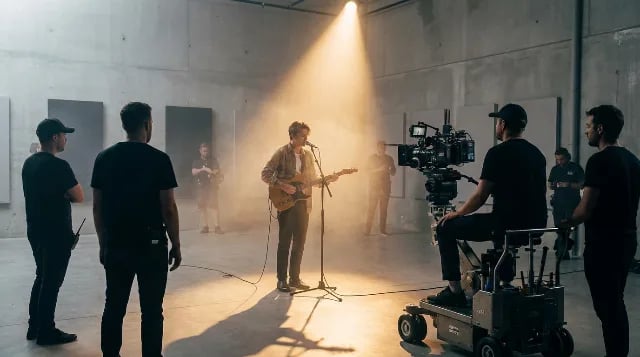
- Creator content that needs professional-looking sets on a location budget.
- Batch replacement of backgrounds across a video catalog.
6. Who Should Use It
Pick it up if you produce video at volume - creators, marketers, e-commerce - and want background flexibility without a studio or hours of rotoscoping.
Skip it if you need frame-level manual control, are working with extreme motion blur, or require perfectly matching interactive lighting on every frame.