99.9% SLA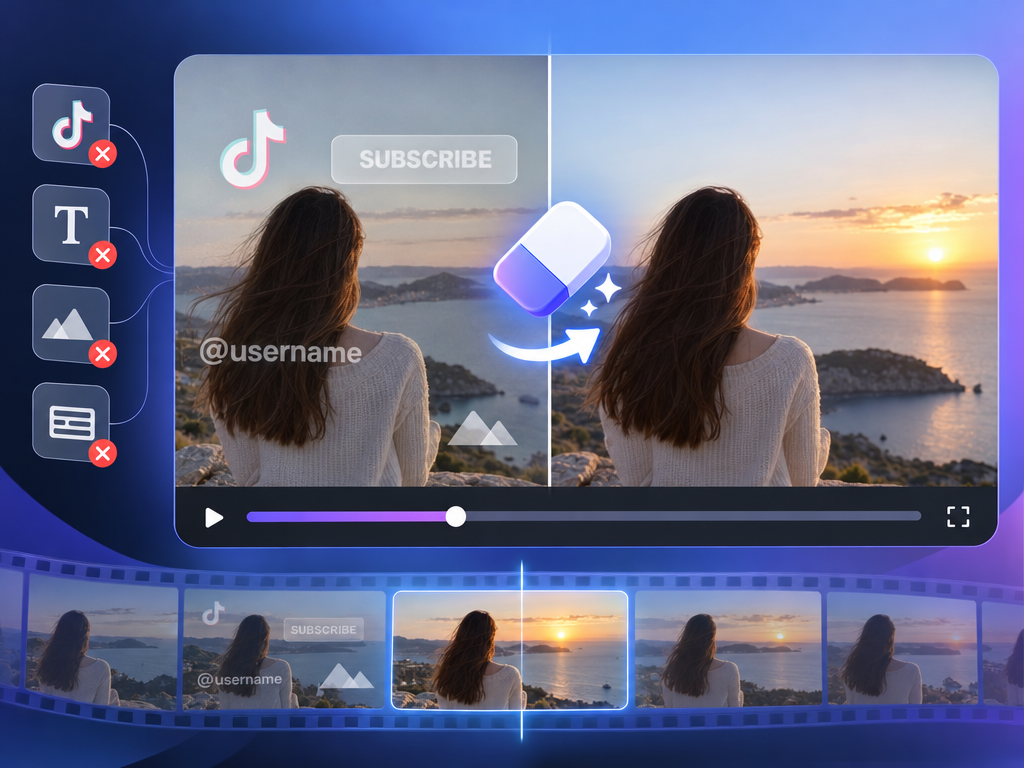
Video Watermark Remover: AI Video Cleaning Review & Practical Guide
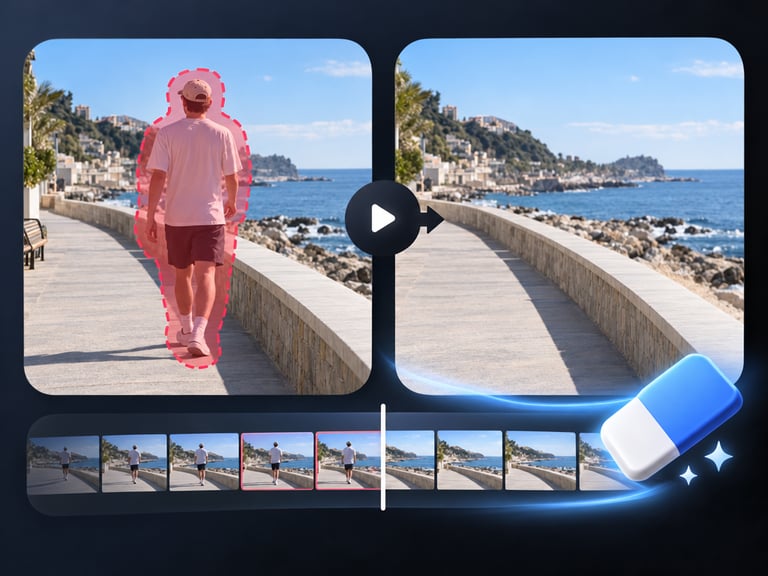
Video Watermark Remover cleans watermarks, logos, captions, and text out of video while preserving the underlying footage. It is aimed at a real workflow problem: content arrives with unwanted overlays - platform watermarks, burned-in captions, channel logos - and removing them cleanly is far harder than it looks.
The hard part is reconstruction. Removing a logo leaves a hole in every frame it occupies, and the model has to rebuild the video content behind it while keeping motion, texture, and lighting consistent across time. That is the difference between erasing a mark and making it look like it was never there.
Quick Facts
| Attribute | Value |
|---|---|
| Tool name | Video Watermark Remover |
| Tool ID | video-watermark-remover |
| Category | AI video editing / content cleanup |
| Primary task | Remove watermarks, logos, captions, and text from video |
| Input | Video with overlay marks |
| Output | Cleaned video |
| API | REST inference, no cold starts |
| Format support | Many formats, files up to 10 minutes |
| Best for | Content re-purposing, footage cleanup, archive restoration |
Table of Contents
- First Impressions
- Core Features
- What to Watch For
- Core Advantages
- Best Use Cases
- Who Should Use It
- FAQ
1. First Impressions
The most impressive thing about the output is what you don't see: the space where a logo or caption used to be. On clean footage, the reconstruction fills those regions with believable video content that keeps moving correctly, so the cleaned clip looks like it was never marked.
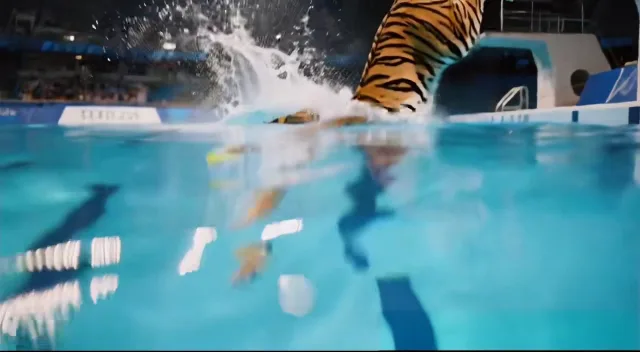
The Sora 2 watermark is a notable use case, since it sits over generated content in a way that defies simple cropping. Removing it without damaging the underlying scene is exactly the kind of targeted fix this tool is built for.
2. Core Features
- Targeted overlay removal: watermarks, logos, captions, subtitles, and text.
- Content reconstruction: video behind the mark is rebuilt with consistent texture and motion.
- Quality preservation: surrounding footage is not blurred or degraded in the process.
- Broad format support: handles many video formats.
- 10-minute file support: long-form clips are in scope.
- REST inference API: no cold starts, predictable pricing.
3. What to Watch For
- Complex backgrounds are harder: marks over busy, textured, or moving scenes are the hardest to reconstruct cleanly.
- Long or repeated overlays compound risk: a watermark present for the entire clip leaves more to reconstruct across more frames.
- Legal use matters: removing watermarks from content you don't own is a rights issue, not a technical one.
- Spot-check motion areas: verify that moving objects passing behind the removed mark don't leave artifacts.
4. Core Advantages
- Clean reconstruction: results look unmarked rather than blurred-out, which is the standard most tools miss.
- One-pass workflow: no frame-by-frame inpainting or manual masking.
- Format flexibility: accepts a wide range of video formats and files up to 10 minutes.
- Volume-ready: REST API makes batch cleanup of a content library practical.
5. Best Use Cases
- Removing platform watermarks from licensed or owned footage being re-purposed.
- Cleaning burned-in captions from archival material.
- Prepping footage for republishing across channels with different branding.
- Cleaning generated video (e.g., Sora 2 output) for professional use.
6. Who Should Use It
Pick it up if you manage video libraries with unwanted overlays and need clean, reconstruction-quality removal at scale.
Skip it if the marks cover large, complex, continuously moving areas of every frame, or you don't have the rights to the content being altered.