99.9% SLA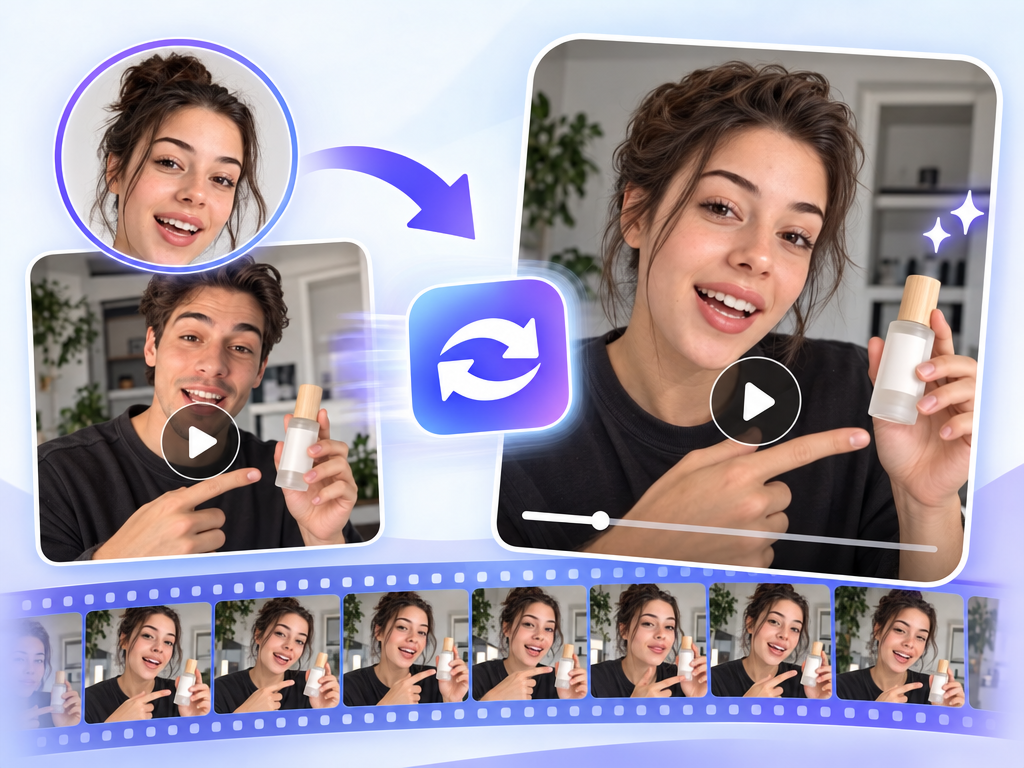
Video Face Swap: AI Face Replacement Review & Practical Guide
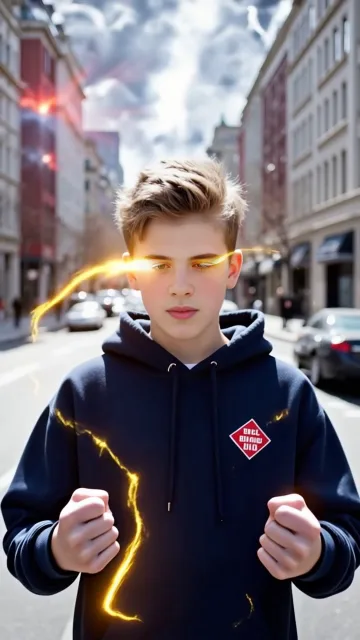
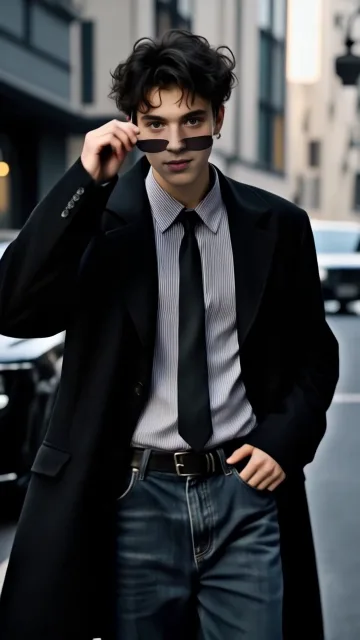
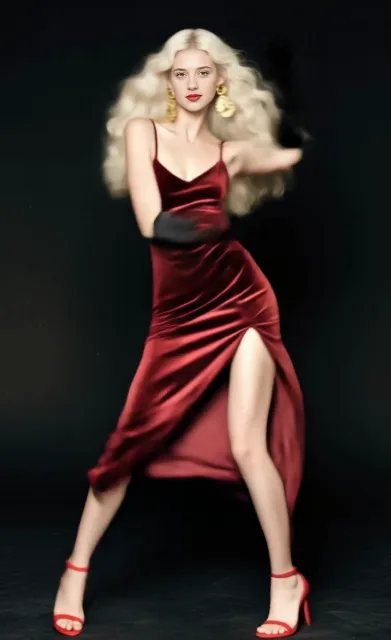
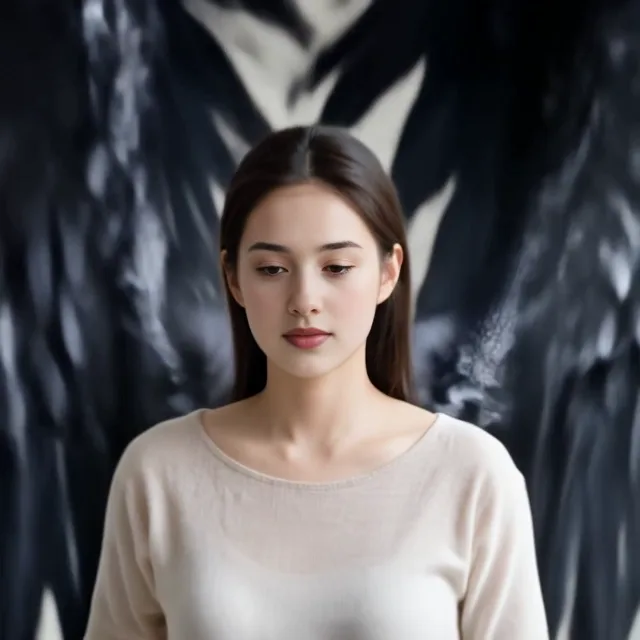
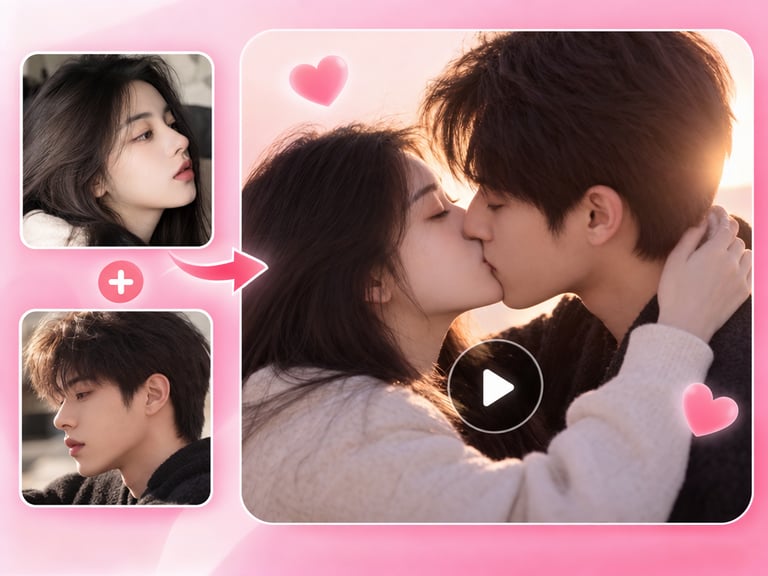
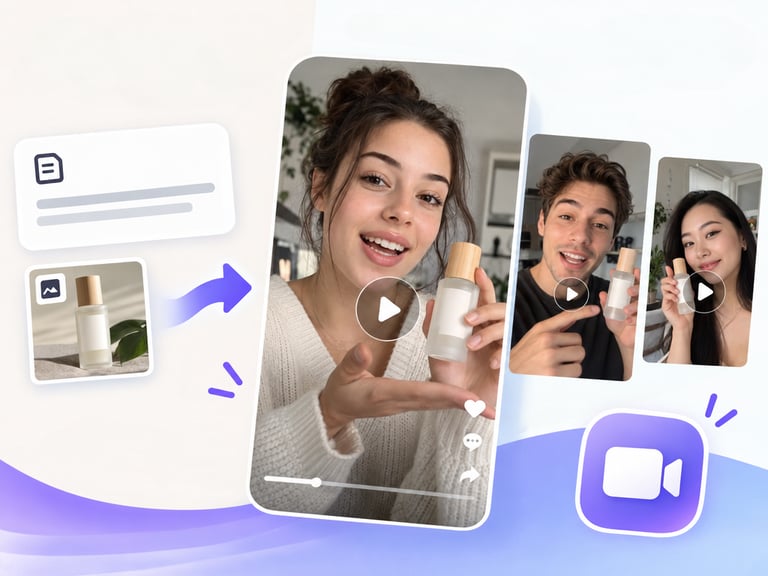
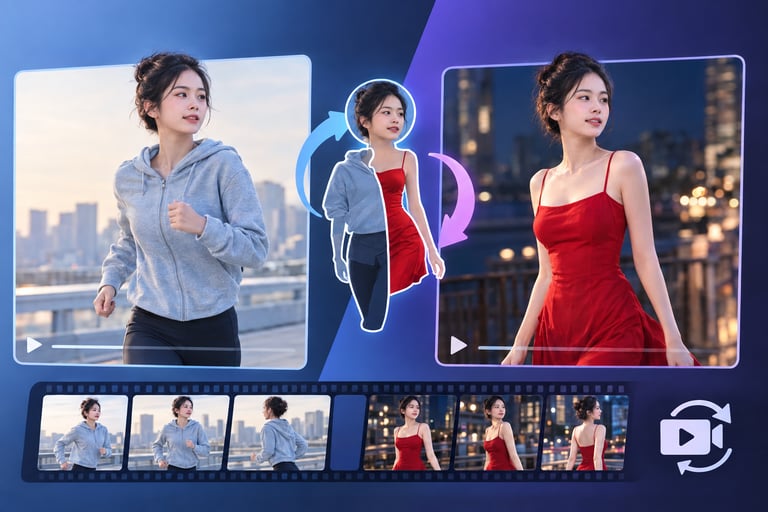
Video Face Swap replaces faces in video footage by uploading a video and a single face image. The model tracks the target face through the clip and re-renders it as the new identity, aiming for seamless, unlimited replacements - no per-frame masks, no manual tracking.
Face swap is a capability with a bad reputation and a legitimate use case. The legitimate version is production work: stunt doubles, dubbing visual alignment, privacy masking, and character work. The quality bar is whether the swapped face moves like it belongs in the footage - lighting, angle, and expression all need to track, or the illusion breaks immediately.
Quick Facts
| Attribute | Value |
|---|---|
| Tool name | Video Face Swap |
| Tool ID | video-face-swap |
| Category | AI video editing / portrait transfer |
| Primary task | Replace faces in video using a source face image |
| Input | Video + face image |
| Output | Video with replaced faces |
| API | REST inference, no cold starts |
| Best for | Film VFX, privacy masking, creative content, dubbing support |
Table of Contents
- First Impressions
- Core Features
- What to Watch For
- Core Advantages
- Best Use Cases
- Who Should Use It
- FAQ
1. First Impressions
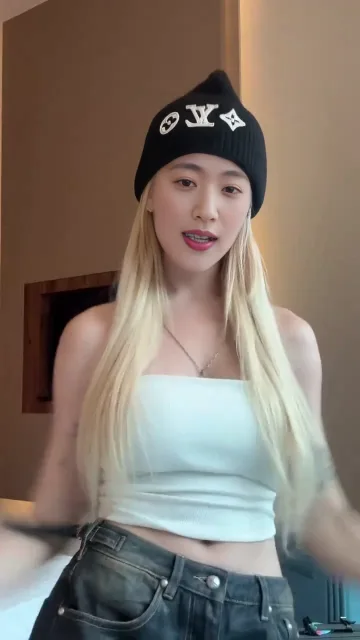
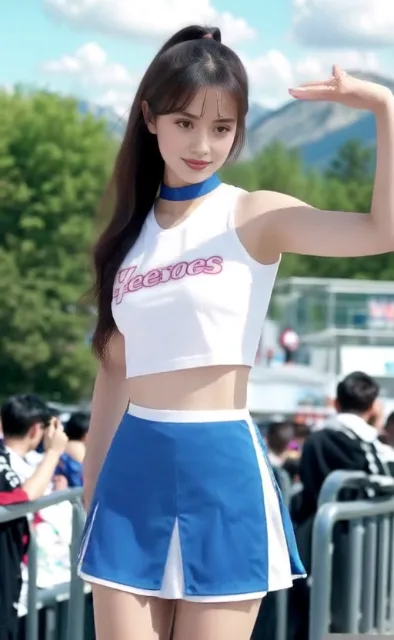
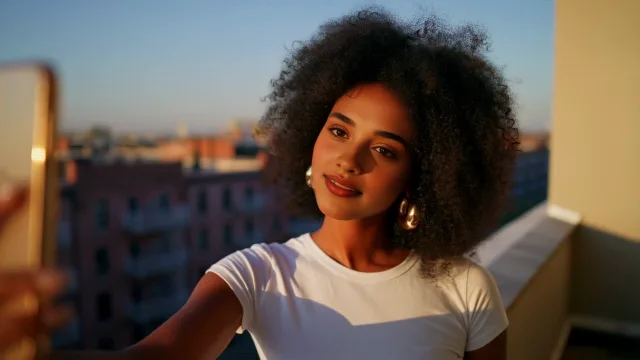
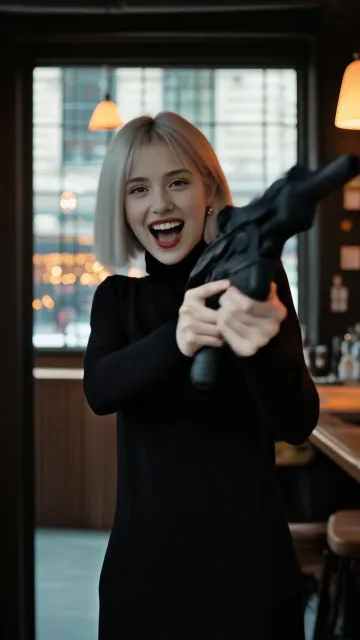
On a well-lit clip with a frontal or near-frontal face, the swap holds up impressively across frames - the new face follows expressions, angles, and lighting changes instead of floating like a sticker. That temporal tracking is the feature that separates usable face-swap tools from the ones that only work on stills.
It is also fast to set up: one video, one image, done. For a filmmaker masking a performer's face or a production team fixing an identity continuity issue, that simplicity is the point.
2. Core Features
- Single-image source: one face photo drives the swap across the entire clip.
- Frame-accurate tracking: the replacement follows the face through movement, rotation, and expression changes.
- Lighting and angle adaptation: the new face adjusts to the footage rather than pasted at a fixed angle.
- Unlimited replacements: multiple swaps in one clip are in scope.
- REST inference API: no-cold-start integration for content pipelines.
3. What to Watch For
- Input quality rules: clear, front-facing source faces and decent target footage produce far better results.
- Extreme angles and occlusions: profiles, fast head turns, and hands-over-face moments are the hardest cases.
- Consent is non-negotiable: swapping real people's faces requires explicit permission from everyone involved.
- Platform policies: many platforms restrict synthetic media; disclosure rules may apply to published content.
4. Core Advantages
- Speed over manual compositing: a full video face replacement that would take hours in post runs in one pass.
- Natural motion: the swap tracks expression and angle, so it reads as a real performance.
- Flexible use: from film VFX to privacy masking, one tool covers many legitimate needs.
- Integration-ready: designed to sit inside editing tools and automated pipelines.
5. Best Use Cases
- Film and video production - stunt doubles, body-double faces, continuity fixes.
- Privacy protection - masking identities in documentary or sensitive footage.
- Creative character content where a face drives the performance.
- Dubbing and localization workflows that need visual alignment.
6. Who Should Use It
Pick it up if you need legitimate face replacement in video - production, privacy, or creative - and want it done in one pass without manual compositing.
Skip it if you're working with heavy occlusions and extreme angles, or if you don't have clear permission to modify the faces involved.