99.9% SLA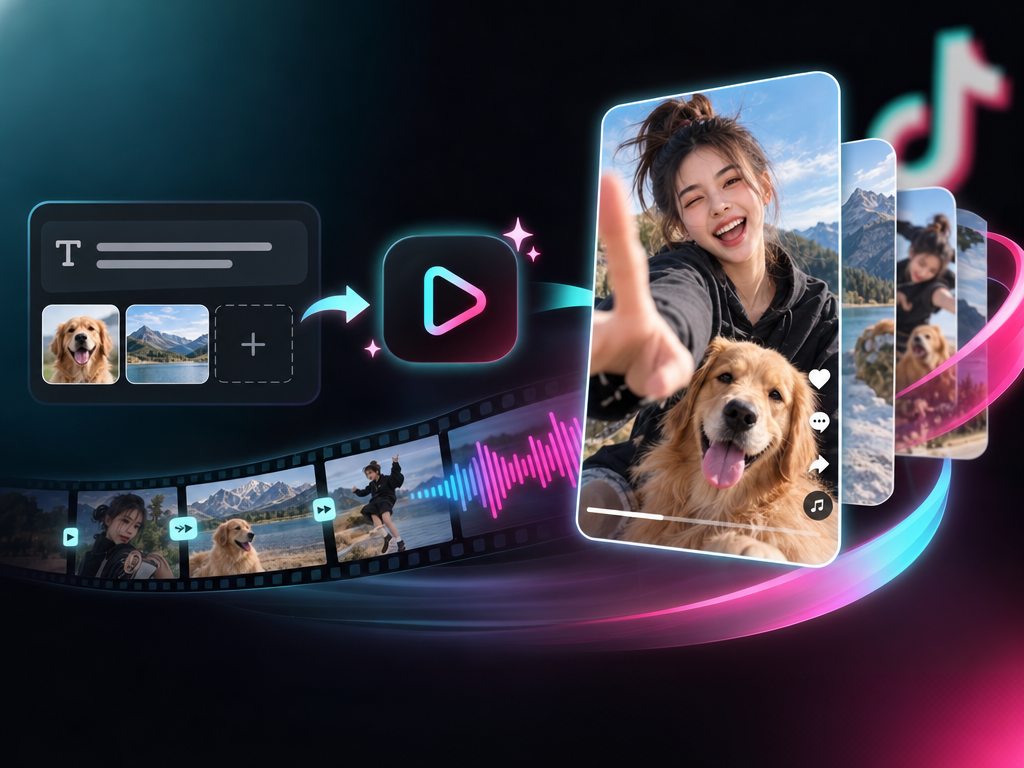
TikTok Video Generator: Short-Form AI Video Review & Practical Guide
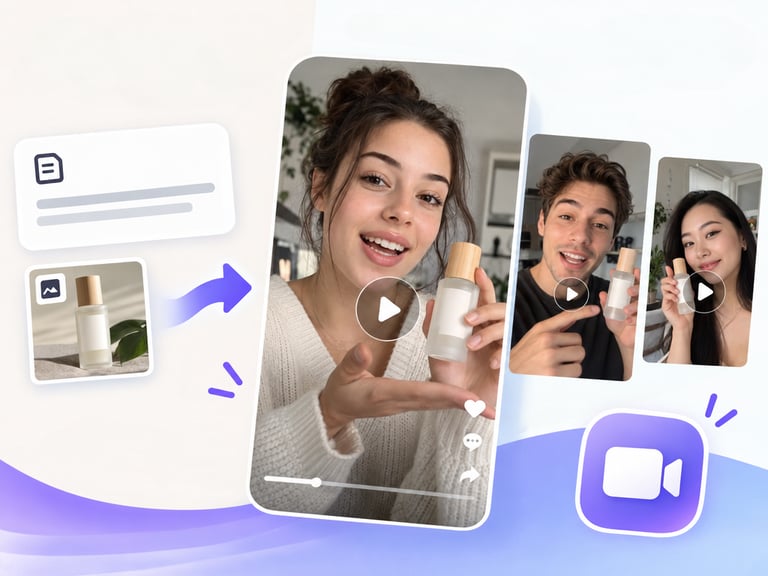
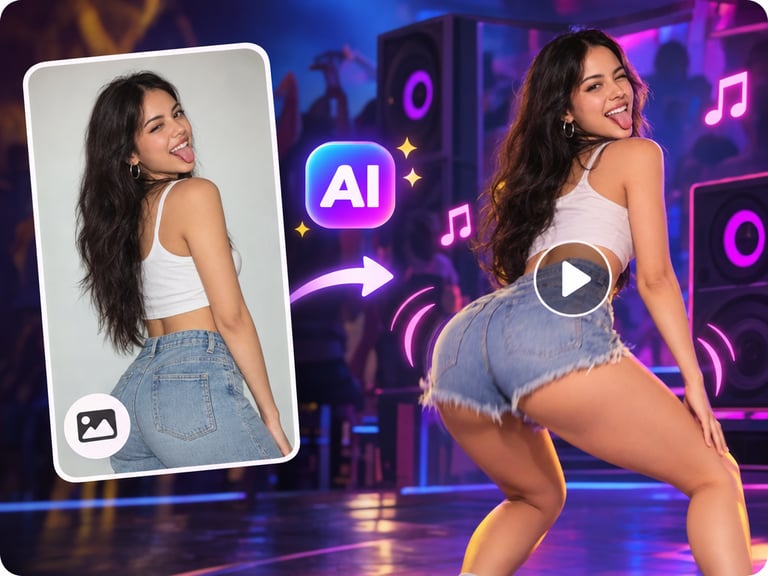
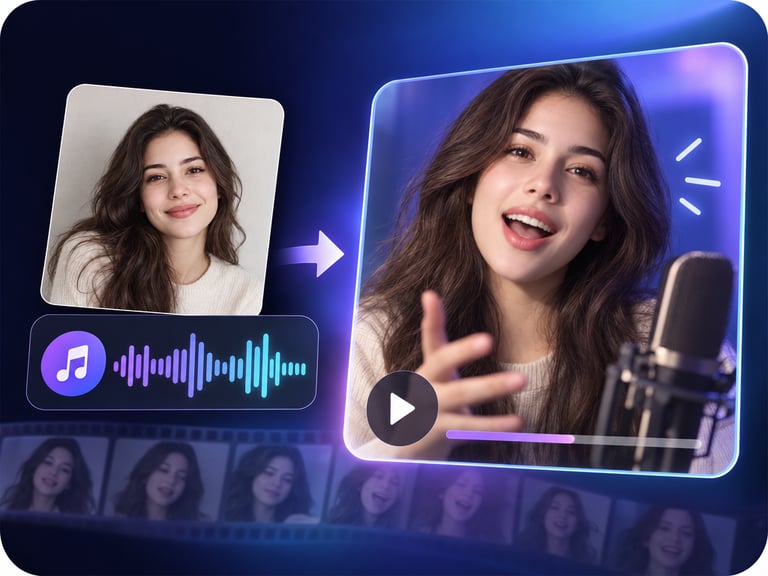
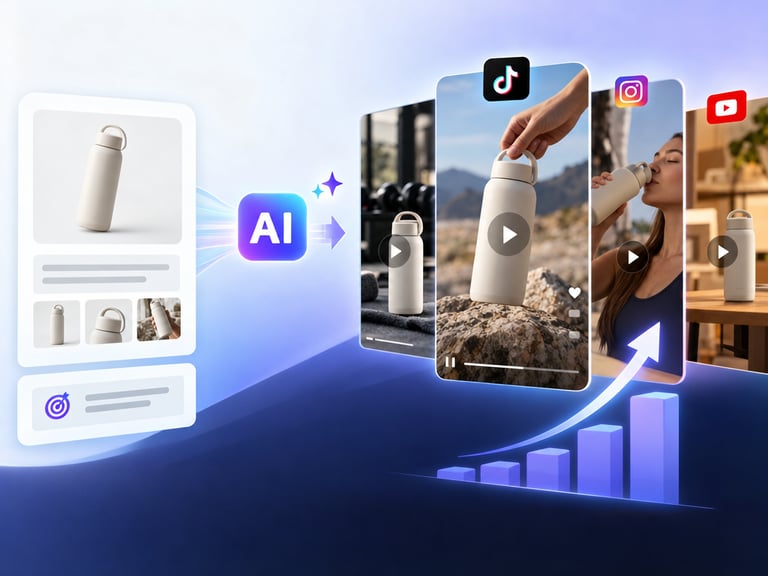
TikTok Video Generator creates short, platform-ready videos from a text prompt and optional reference images. It is engineered for the specific rhythm of short-form social video: native audio, dynamic transitions, and motion designed to stop a scrolling thumb.
The phrase "scroll-stopping" gets thrown around a lot, but it is the right test here. A video generator either produces clips that feel like content people stop to watch, or it produces clips that feel like AI. This tool is aimed squarely at the first category, which makes it useful for creators and brands who need volume without a production crew.
Quick Facts
| Attribute | Value |
|---|---|
| Tool name | TikTok Video Generator |
| Tool ID | tiktok-video-generator |
| Category | AI video generation / social content |
| Primary task | Text/image to viral-ready short video |
| Input | Text prompt, optional reference images |
| Output | Short video with audio, transitions, and motion |
| API | REST inference, no cold starts |
| Best for | Social content, ads, product promos, UGC-style clips |
Table of Contents
- First Impressions
- Core Features
- What to Watch For
- Core Advantages
- Best Use Cases
- Who Should Use It
- FAQ
1. First Impressions
The output has the bones of a real TikTok video: punchy pacing, a sound bed, and motion that keeps the frame alive. It is clearly tuned on what performs in short-form feeds, and that tuning shows up in the editing choices the model makes - cuts land on beats, text-friendly composition is respected, and the clip does not drag.
For a brand team testing ad creative or a creator scaling a channel, the value is speed and iteration. You can generate a hook, evaluate it in seconds, and run variations without a shoot.
2. Core Features
- Text-to-video generation: describe the concept and the model builds the clip.
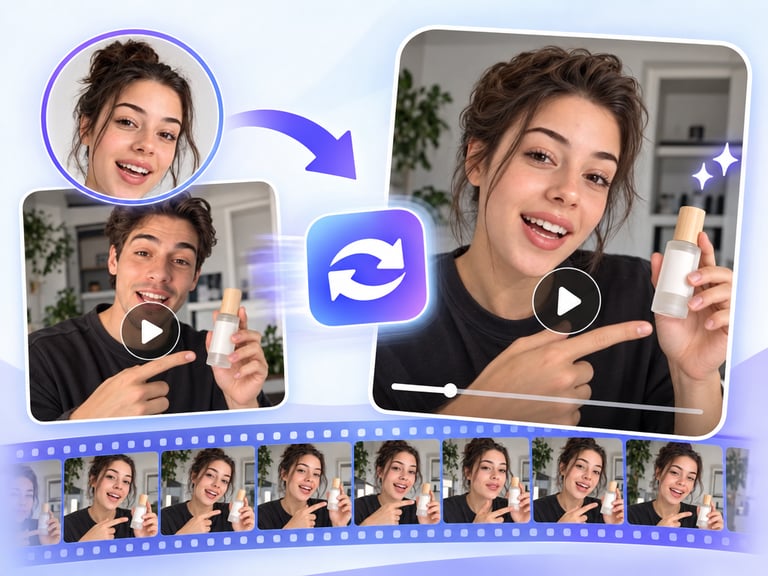
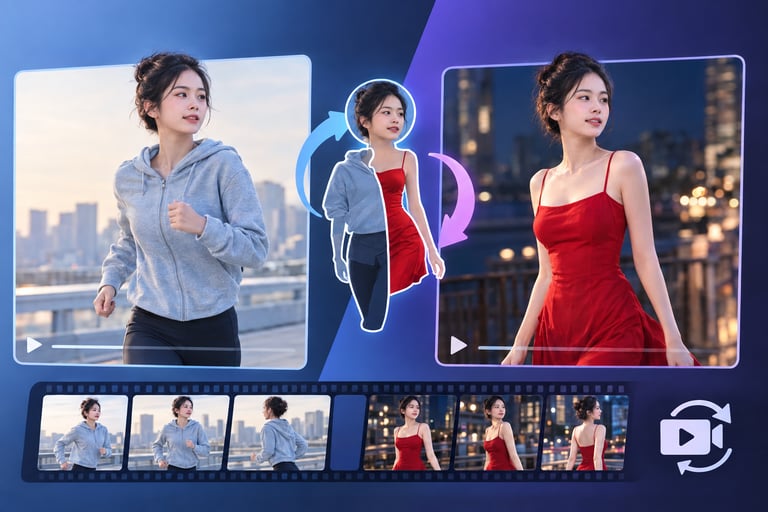
- Reference-image support: optional images ground the output in real products, faces, or scenes.
- Native audio: the clip ships with a matching sound bed instead of silent footage.
- Dynamic transitions: scene changes are built in rather than left as hard cuts.
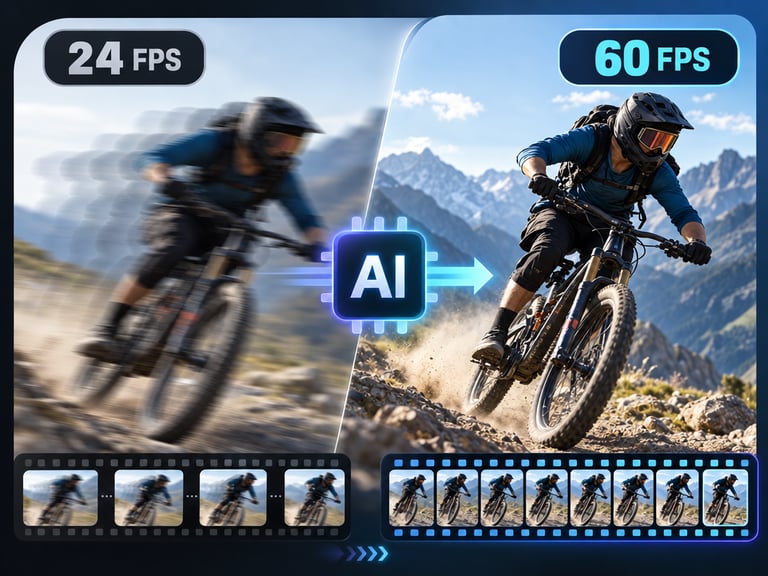
- Motion designed for feeds: pacing and movement follow short-form video conventions.
- REST inference API: no-cold-start integration for content tools and marketing platforms.
3. What to Watch For
- Viral is probabilistic: the generator produces platform-native structure, not guaranteed virality. The idea still does the heavy lifting.
- Audio licensing: native audio is included, but check the terms for commercial use on ad accounts.
- Brand control is limited: exact product shots and logo placement work best when you supply reference images.
- Text overlays in-video can be weak: add captions and on-screen text in post for the cleanest result.
4. Core Advantages
- Volume without a crew: a content calendar of daily clips becomes feasible for small teams.
- Platform-native structure: audio, transitions, and pacing arrive pre-tuned for short-form feeds.
- Fast creative testing: iterate on hooks and angles in minutes, then double down on what works.
- Easy scaling: batch generation supports multi-variant testing for paid social.
5. Best Use Cases
- Organic social content for brands and creators.
- Ad creative variants for TikTok, Reels, and Shorts.
- Product launch teasers and promo clips.
- UGC-style testimonial and demo videos built from scripts.
6. Who Should Use It
Pick it up if you publish short-form video regularly and need fast, on-brand clips with audio and motion already handled.
Skip it if you need precise narrative control, complex on-screen text, or a unique art direction that a generator can't be trusted to follow exactly.