99.9% SLA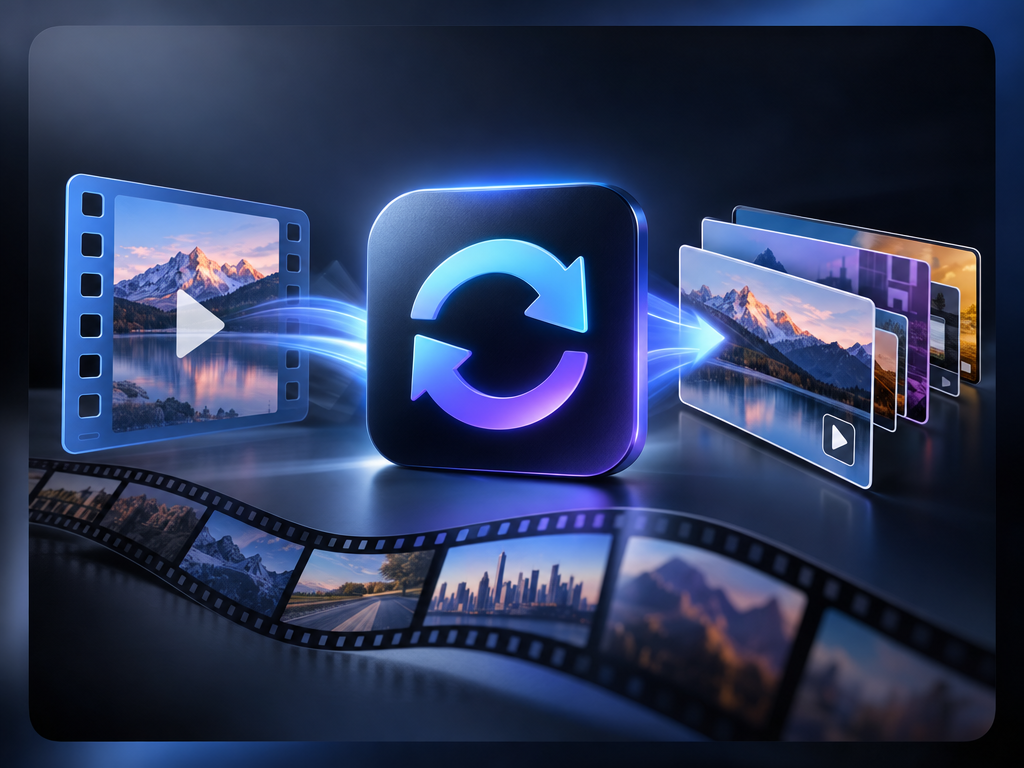
AI Video Converter: Format Conversion Review & Practical Guide
AI Video Converter handles video format and codec conversion - the infrastructure task of moving footage between formats for playback, publishing, and editing. Like its image counterpart, the job sounds mechanical, but the quality decisions are real: codec choice, bitrate, frame rate, and compatibility all affect the output.
The AI angle is quality-aware conversion. Encoding video is full of content-dependent decisions - where detail matters, where motion is smooth, where the bitrate budget should go. A converter that understands content can produce better-looking output at the same file size than a blind re-encode.
Quick Facts
| Attribute | Value |
|---|---|
| Tool name | AI Video Converter |
| Tool ID | video-converter |
| Category | AI video tooling |
| Primary task | Convert video between formats and codecs |
| Input | Video file |
| Output | Converted video in target format |
| API | REST inference, no cold starts |
| Best for | Publishing pipelines, platform delivery, archival conversion |
Table of Contents
- First Impressions
- Core Features
- What to Watch For
- Core Advantages
- Best Use Cases
- Who Should Use It
- FAQ
1. First Impressions
As a converter, it does the core job reliably - output opens everywhere it should, retains resolution and frame rate, and keeps visual quality through the encode. The quality-aware encoding is the differentiator: conversions hold up better than generic re-encode jobs, especially at compressed sizes.
It behaves like solid infrastructure: predictable, automatable, and ready to sit in a delivery pipeline.
2. Core Features
- Format and codec conversion: moves video between common formats cleanly.
- Quality-aware encoding: content-sensitive decisions preserve visual detail.
- Spec retention: resolution, frame rate, and audio handled correctly.
- Automation-ready: REST API for pipeline and batch conversion.
- No cold starts: dependable performance in production.
3. What to Watch For
- Every conversion is lossy in some way: re-encoding always costs a little quality - choose settings for the intended use.
- Know the target spec: platform requirements (codec, resolution, bitrate) should drive conversion settings.
- Audio tracks need checking: verify audio sync and channel handling after conversion.
- Test at scale: spot-check batches for your platform's specific requirements.
4. Core Advantages
- Better-looking output per bit: quality-aware encoding gets more from the same file size.
- Pipeline-ready: conversion at volume without manual encoding steps.
- Format flexibility: one endpoint for the common delivery formats.
- Consistent specs: reliable output for multi-platform publishing.
5. Best Use Cases
- Multi-platform publishing - generating format variants per platform.
- Editorial and archival conversion.
- Pre-production format normalization.
- Automated delivery pipelines for content teams.
6. Who Should Use It
Pick it up if you publish or process video at volume and want dependable, quality-aware conversion in your delivery pipeline.
Skip it if you convert a file occasionally and a standard tool already covers your formats - the value here is at scale.