99.9% SLA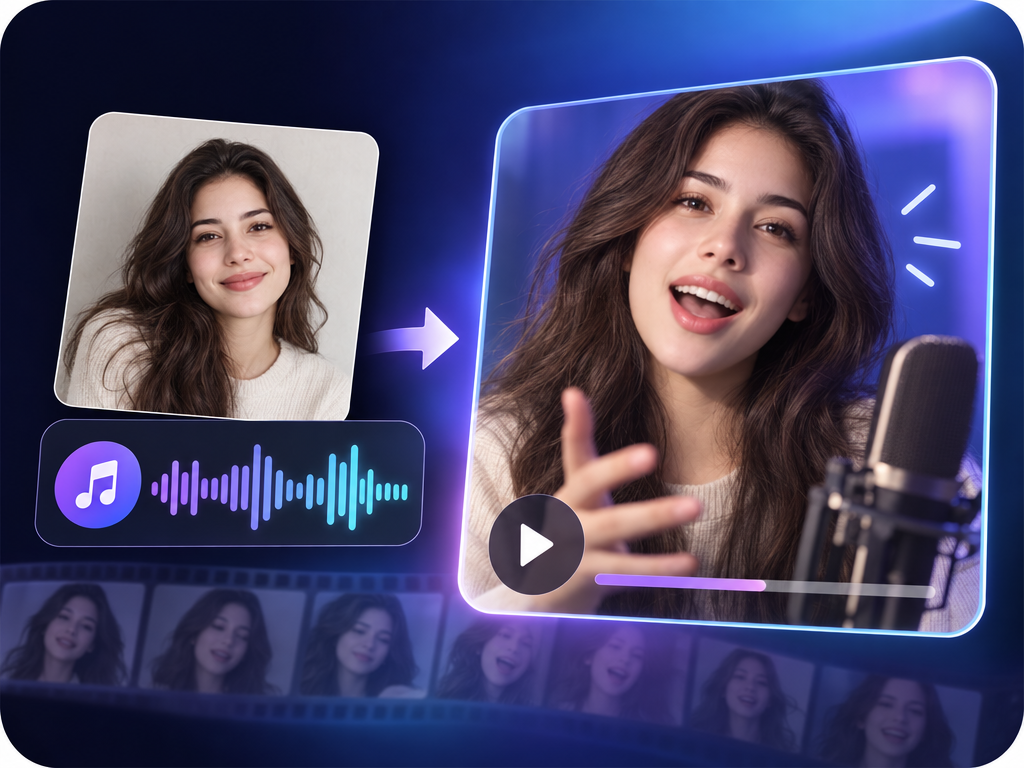
InfiniteTalk: Talking Avatar Video Review & Practical Guide
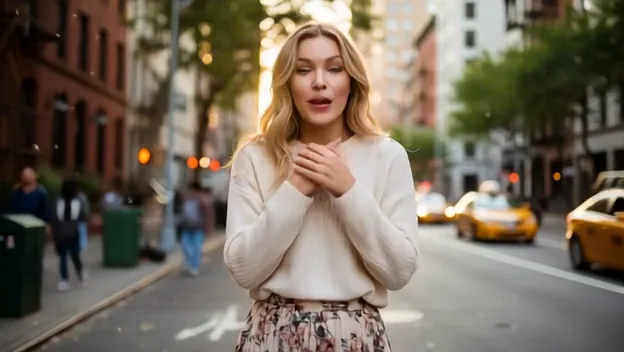
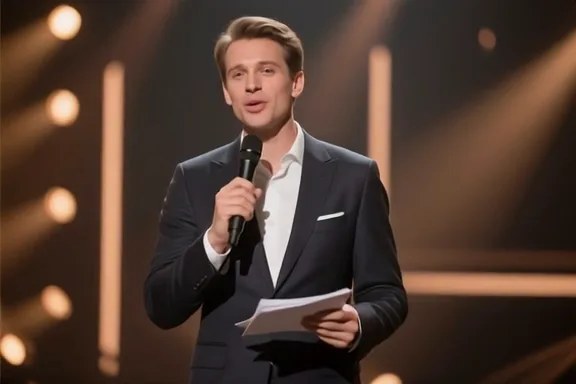
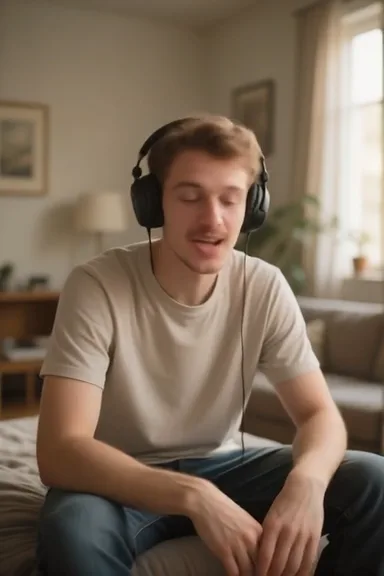
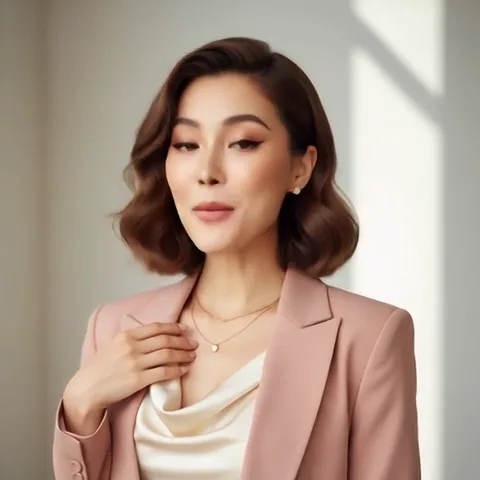
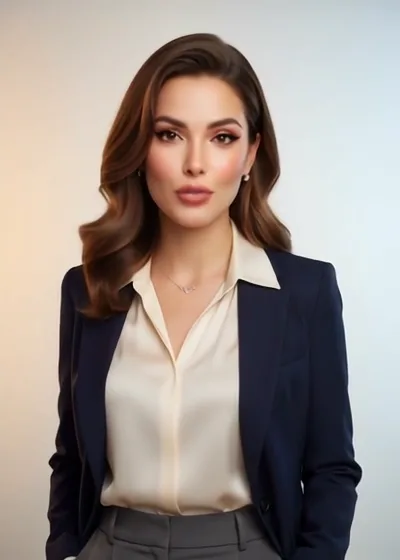
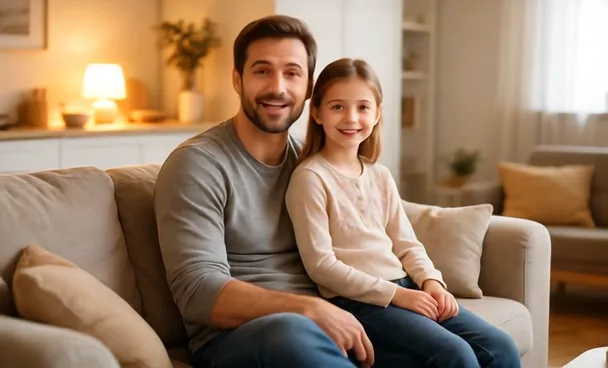
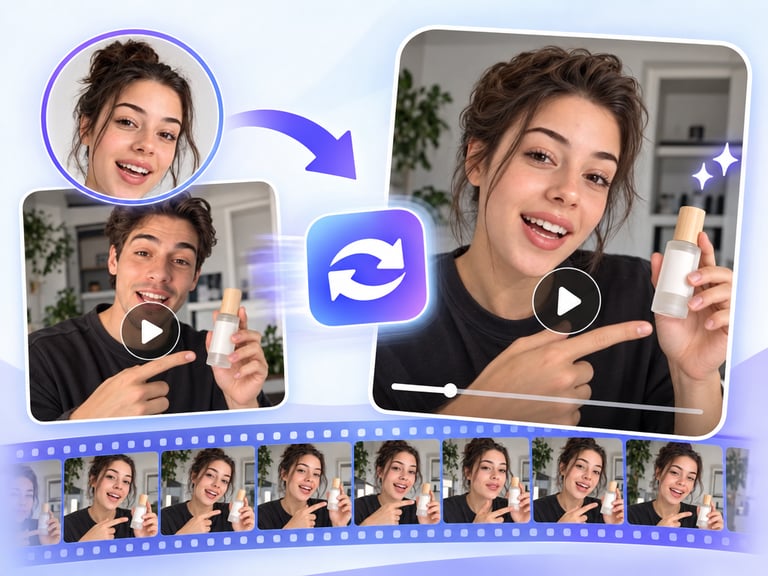
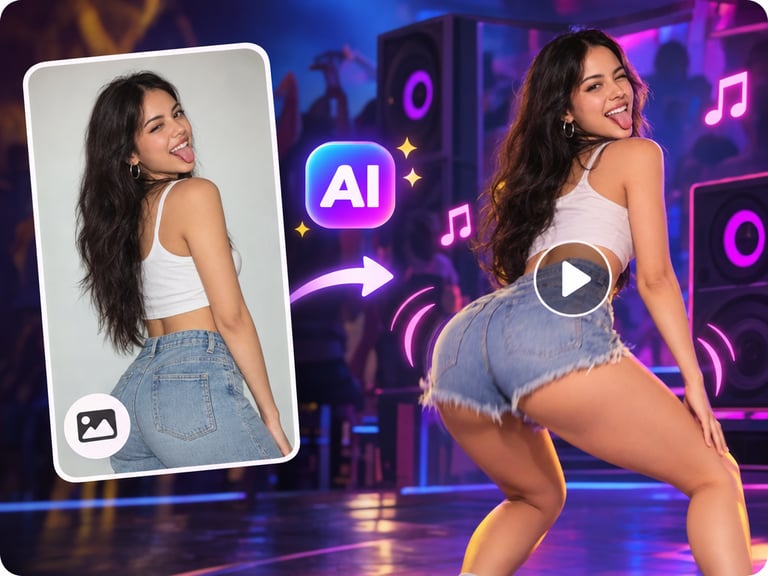
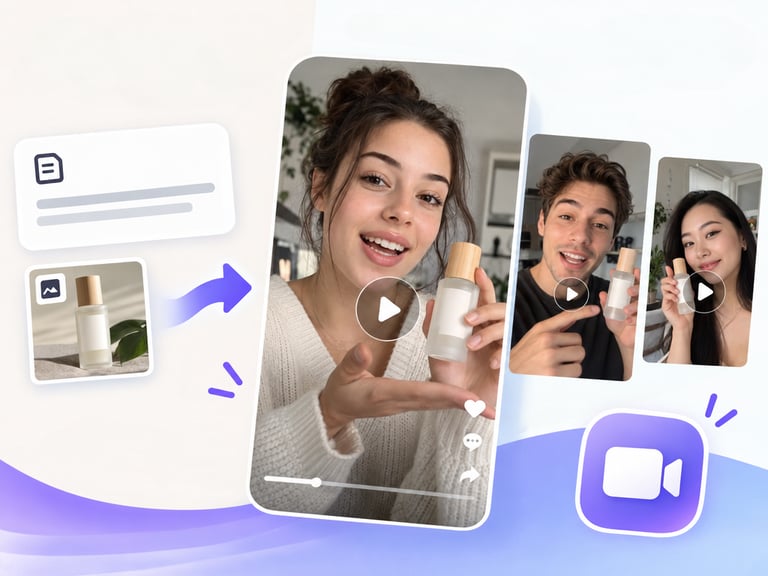
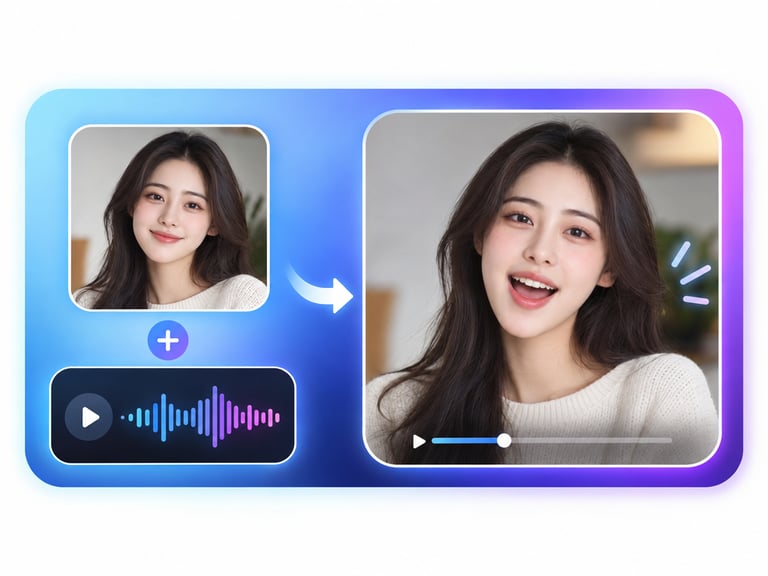
InfiniteTalk converts one photo plus an audio track into an audio-driven talking or singing avatar video. The photo becomes the person, the audio becomes the performance, and the model handles everything in between - mouth movements, expression, and timing - for clips up to ten minutes long.
Ten minutes is the standout number here. Most talking-avatar tools run out of steam at thirty or sixty seconds, which makes them useless for audiobooks, podcasts, or long narration. InfiniteTalk is built for the kind of content where a character has to keep talking - or singing - well past the demo-clip mark.
Quick Facts
| Attribute | Value |
|---|---|
| Tool name | InfiniteTalk |
| Tool ID | infinitetalk |
| Category | AI video generation / digital humans |
| Primary task | Photo + audio into talking or singing avatar video |
| Input | One photo + one audio track |
| Output | Talking/singing avatar video (up to 10 minutes) |
| API | REST inference, no cold starts |
| Pricing note | 720p tier around $0.30 per 5 seconds |
| Best for | Narration, audiobooks, singing content, virtual presenters |
Table of Contents
- First Impressions
- Core Features
- What to Watch For
- Core Advantages
- Best Use Cases
- Who Should Use It
- FAQ
1. First Impressions
The core skill of any talking-avatar model is believable lip-sync: the mouth has to land on consonants and vowels closely enough that the audio and video feel like one performance. InfiniteTalk handles that well, and the fact that it also works for singing - where mouth shapes are faster and more exaggerated - is a serious flex.
The long-duration support changes how you can use the tool. Instead of stitching dozens of short clips together, you can hand it a full narration track and get one continuous avatar video back. For solo creators, that removes an entire editing step.
2. Core Features
- Photo + audio input: no video footage, rigging, or green screen required - just a decent photo of the subject.
- Up to 10-minute outputs: long-form narration and singing without clip-by-clip assembly.
- Talking and singing modes: handles both speech rhythm and melodic, sustained-note mouth shapes.
- 720p output tier: broadcast-quality enough for YouTube, courses, and social content.
- REST inference API: predictable integration with no cold starts for avatar-content products.
3. What to Watch For
- Photo quality drives realism: a clear, front-facing, well-lit photo produces far better results than a side-angle or low-res one.
- Audio quality transfers directly: clean audio in means clean sync out; noisy or heavily compressed tracks make the mouth movements look looser.
- Long clips amplify imperfections: at ten minutes, any drift in expression or eye movement becomes noticeable - review the full clip before publishing.
- Licensing your voice: if the audio is someone else's voice or a protected performance, clear the rights before generating.
4. Core Advantages
- True long-form capability: 10-minute continuous clips are rare in this category and unlock audiobooks, lectures, and podcasts.
- Singing support: separates it from talking-only avatars and opens music and cover content.
- Minimal production setup: one photo and an audio file replace a camera, microphone, and editor.
- One-step pipeline: no stitching, no lip-sync plugins, no manual animation passes.
5. Best Use Cases
- Audiobook and narrated-story production.
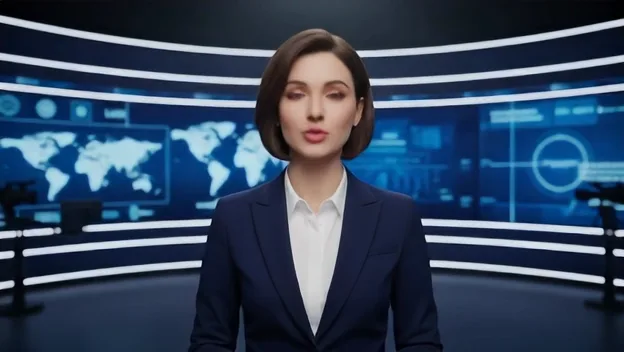
- Virtual presenters for courses, news, and explainers.
- Music and cover content using an avatar singer.
- Social video series where a consistent on-screen character reads or performs.
6. Who Should Use It
Pick it up if you produce talking-head video at scale - narration, education, music, or virtual presenter content - and want photo-based avatars without a studio.
Skip it if you need full-body acting, complex gestures, or interaction between multiple characters; this is a head-and-shoulders avatar tool.