99.9% SLA
Music Video Generator: Audio-to-Music-Video API - Full Review
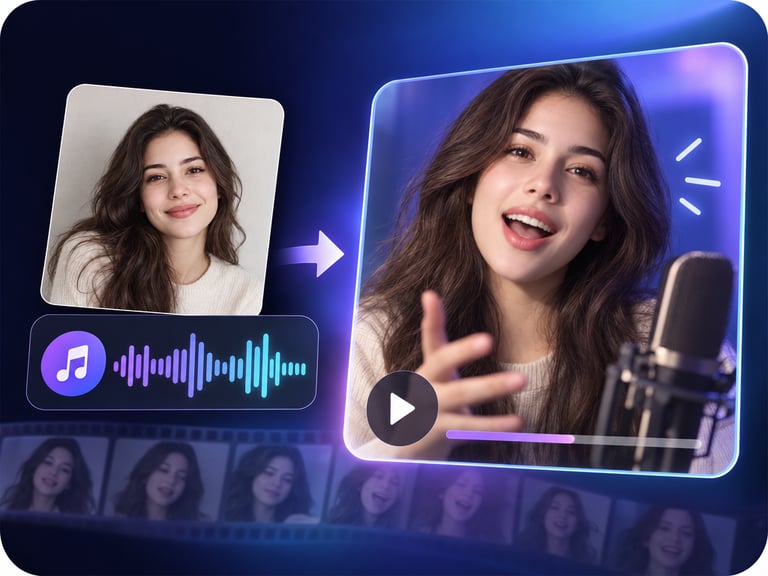
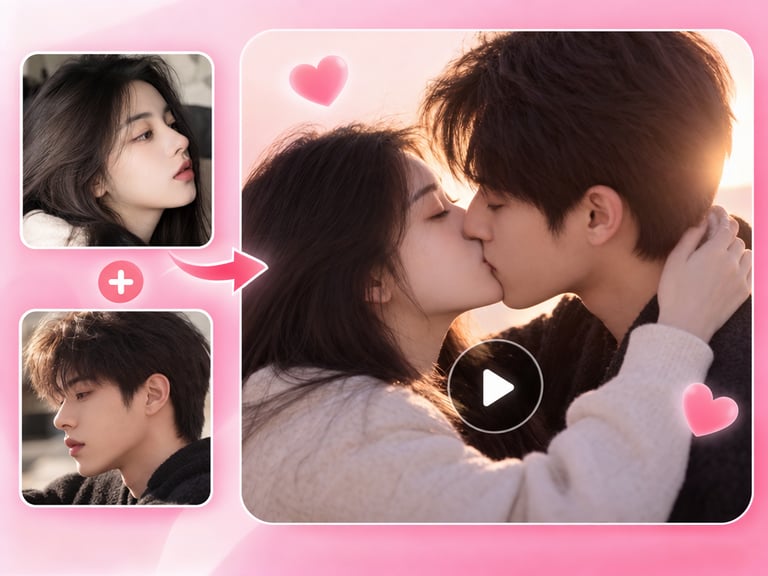
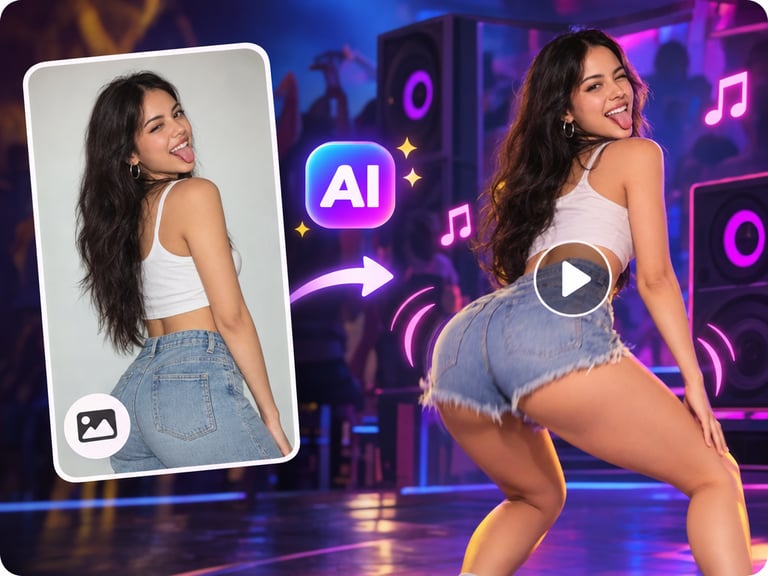
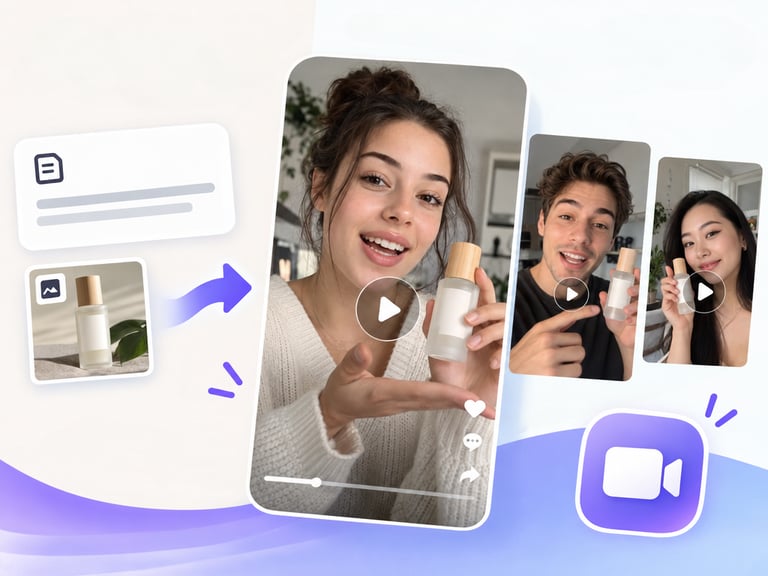
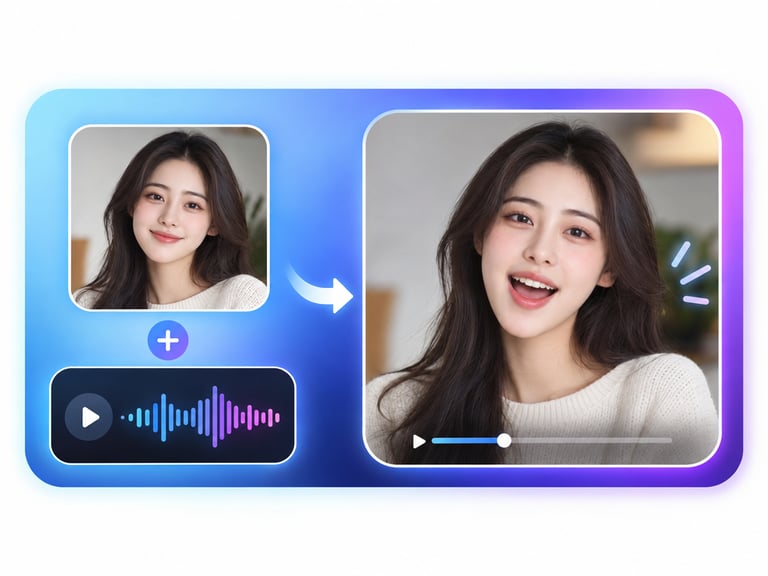
Music Video Generator (this catalog entry: music-video-generator) is a hosted AI model that transforms audio plus a single photo into a full music video - adding cinematic camera angles, smooth transitions, and lip sync to match the track.
Here's the short version: this is the "photo to music video" shortcut - upload a song and a portrait/photo, and the model produces a video where the subject appears to perform or accompany the music, with camera movement and transitions built in. It is a black-box API model (no official vendor spec sheet, no open weights), so the honest review focuses on what the workflow promises, what you can verify, and where the category stands against dedicated music-video pipelines.
This guide covers model overview, core features, technical specifications, capability comparison, core advantages, recommended use cases, example prompts, selection recommendations, workflow, and my verdict.
Quick Facts
| Attribute | Value |
|---|---|
| Catalog slug | music-video-generator |
| Task | Audio + photo -> music video |
| Inputs | Audio track, single photo |
| Output | Full music video |
| Features | Cinematic camera angles, transitions, lip sync |
| Resolutions (typical) | 480p / 720p |
| Max length (typical) | Up to ~10 minutes per listing |
| Self-hosting | No (hosted API) |
Table of Contents
- Model Overview
- Core Features
- Technical Specifications
- Capability Comparison
- Core Advantages
- Recommended Use Cases
- Example Prompts
- Selection Recommendations
- Workflow: Song + Photo -> MV
- The Bottom Line
- FAQ
- Sources & Further Reading
1. Model Overview
The music-video-generator entry is a hosted API model in the "music-driven video" category: it takes a song and a single photo and produces a music video with camera movement, transitions, and lip sync. It targets the fastest-growing AI content need - turning a finished track into a publishable visual - without requiring a multi-shot script or storyboard.
Because this catalog entry carries no brand attribution and the model is exposed through hosted API listings, the practical identity is a black-box service. The category itself is well established: music-to-video generation is an active research and product area (e.g., music-driven video models that generate 30-second clips, and lyric-video pipelines that pair generated music with reference images).
What matters operationally: input is audio + one image, output is a video with automatic camera direction and lip sync. What you cannot know from listings: exact model architecture, training data, and quality distribution - all of which require your own testing.
2. Core Features
Audio + photo to video. The core contract: one track, one image, one video.
Cinematic camera angles. Automatic camera movement built into the generation.
Smooth transitions. Scene changes that follow the music's structure.
Lip sync. The subject's mouth is animated to match vocals where present.
Full-track output. Videos spanning the entire audio track, not just a preview.
REST API delivery. Asynchronous generation with standard job semantics.
3. Technical Specifications
| Specification | Detail |
|---|---|
| Inputs | Audio file, single photo |
| Output | Music video |
| Features | Camera movement, transitions, lip sync |
| Resolutions | 480p / 720p (typical per listing) |
| Max length | Up to ~10 minutes (typical per listing) |
| Delivery | Async REST API |
| Self-hosting | No |
Warning: Without an official vendor spec sheet, resolution, length, and quality claims come from hosting listings. Verify limits and output quality on your own test track before production.
4. Capability Comparison
| Capability | Music Video Generator | Music-driven video models (YingVideo-MV class) | Lyric-video pipelines | Manual editing |
|---|---|---|---|---|
| Photo-to-MV | Yes | No | No | No |
| Lip sync | Yes | No | No | Manual |
| Camera direction | Automatic | Music-driven | Manual | Manual |
| Track-length output | Up to ~10 min | ~30 s clips | Yes | Yes |
| Control | Low (black box) | Medium | High | Full |
| Cost | Per job | Per clip | Mixed | Labor |
Reading the table honestly: this model is the low-effort path to a complete MV from one photo. Dedicated music-driven video models generate shorter clips with more direct music-visual coupling; manual editing gives full control but costs time. For "song + photo -> publishable video," the generator is the fastest route.
5. Core Advantages
- One-shot MV production. Track + photo in, video out - no script, storyboard, or editor.
- Automatic camera and transitions. Cinematic direction without direction.
- Lip sync included. Vocals match the subject's mouth movement.
- Track-length output. The whole song is covered, not a 10-second preview.
- Batch-friendly API. Async REST fits catalog-scale music content.
6. Recommended Use Cases
- Independent music releases: turn a single and a press photo into a promo MV.
- Lyric/visual content: artist channels and social content from existing assets.
- Podcast and audio clips: visual companions for audio-first content.
- Template MV production: fast, consistent video for many tracks.
- Testing visual directions: cheap MVs before commissioning real production.
7. Example Prompts
1. Photo + track
2. Multiple tracks, one photo
Prompting guidance:
- Use a front-facing, well-lit photo for reliable lip sync.
- Provide clean audio masters - vocal clarity drives sync quality.
- Test one track before batch production; quality varies by song structure.
8. Selection Recommendations
Choose this model if:
- You need fast, low-cost MVs from existing tracks and photos.
- Lip sync and automatic camera direction cover your needs.
- You accept black-box behavior and will validate quality yourself.
Choose music-driven video models if:
- You want music-to-visual coupling for short clips (30 s class) with more control.
Choose manual editing if:
- Brand quality bars demand full control and art direction.
Test before committing if:
- Lip sync quality is the deliverable - single-photo animation is the hardest part of the pipeline.
9. Workflow: Song + Photo -> MV
Practical notes:
- Keep a library of clean artist photos - photo quality is the main lever.
- Batch by track after one successful pilot.
- Verify licensing for the generated video before monetizing.
10. The Bottom Line
Verdict: Buy for fast, low-cost MV production - with validation required. The music-video-generator entry delivers the "song + photo -> full MV" shortcut with automatic camera work, transitions, and lip sync, at a per-job cost that beats production budgets by an order of magnitude. The honest problem is the black box: no official spec sheet, no weights, and quality that you must validate on your own material. For independent artists, template MV pipelines, and content volume, it is a genuinely useful tool; for brand-critical work, treat it as a pre-visualization stage, not the final.
Sources & Further Reading
- Music-driven video generation models - Giant Network AI Lab announcement
- YingVideo-MV coverage - PingWest
- AI music video workflows - Giggle skills repository
This entry is a hosted black-box API without an official vendor spec sheet. Capability details reflect hosting listings and category research as of August 2026; validate all limits and quality on your own test tracks.