 99.9% SLA

Wan 2.6 Video: Longer Scenes, More References, Fewer Separate Steps
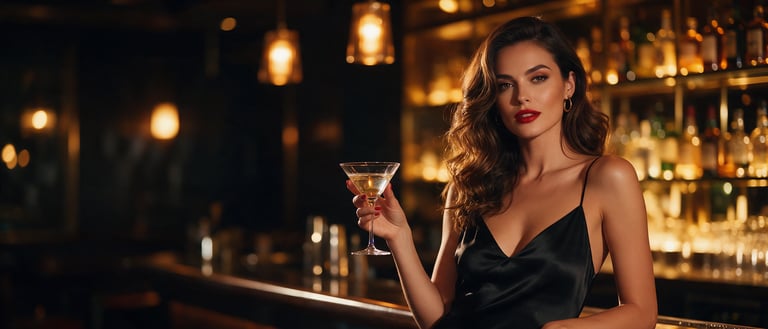
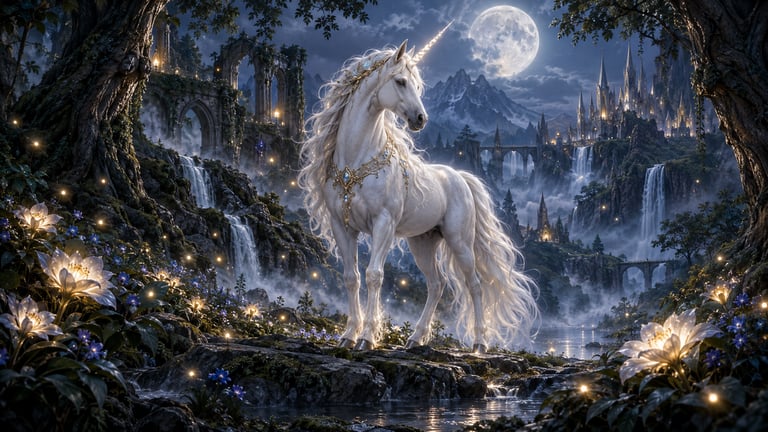
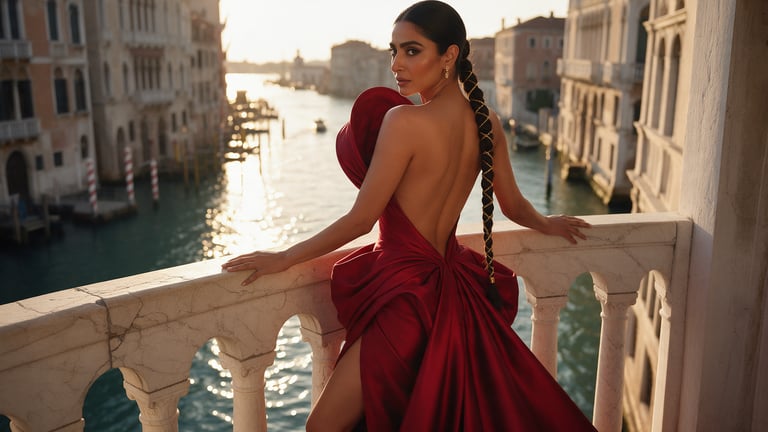
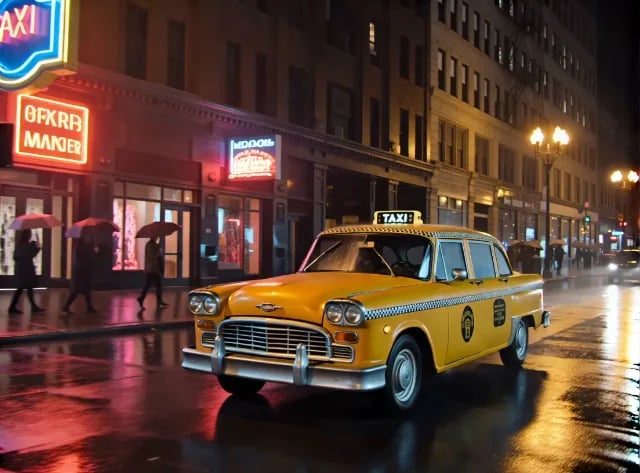
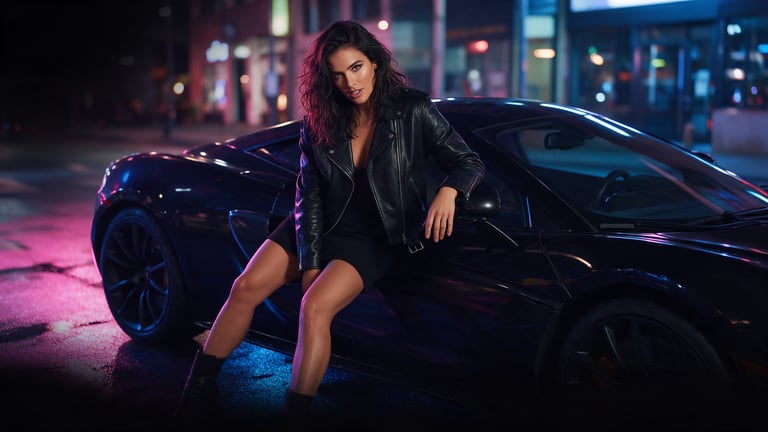
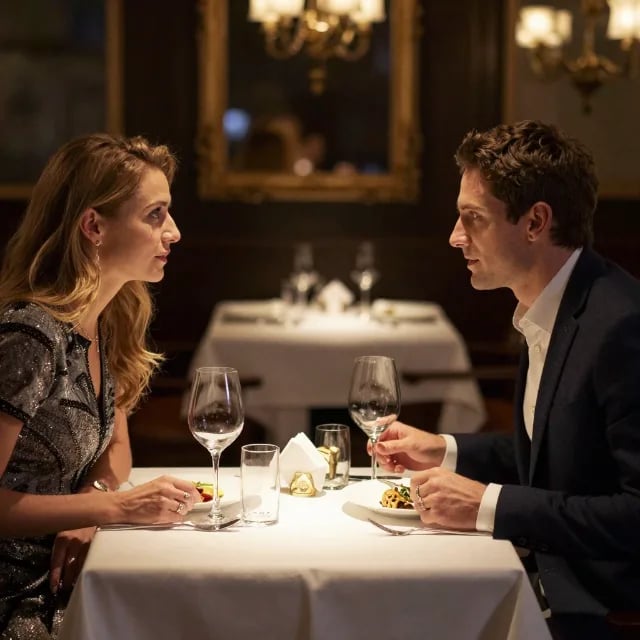
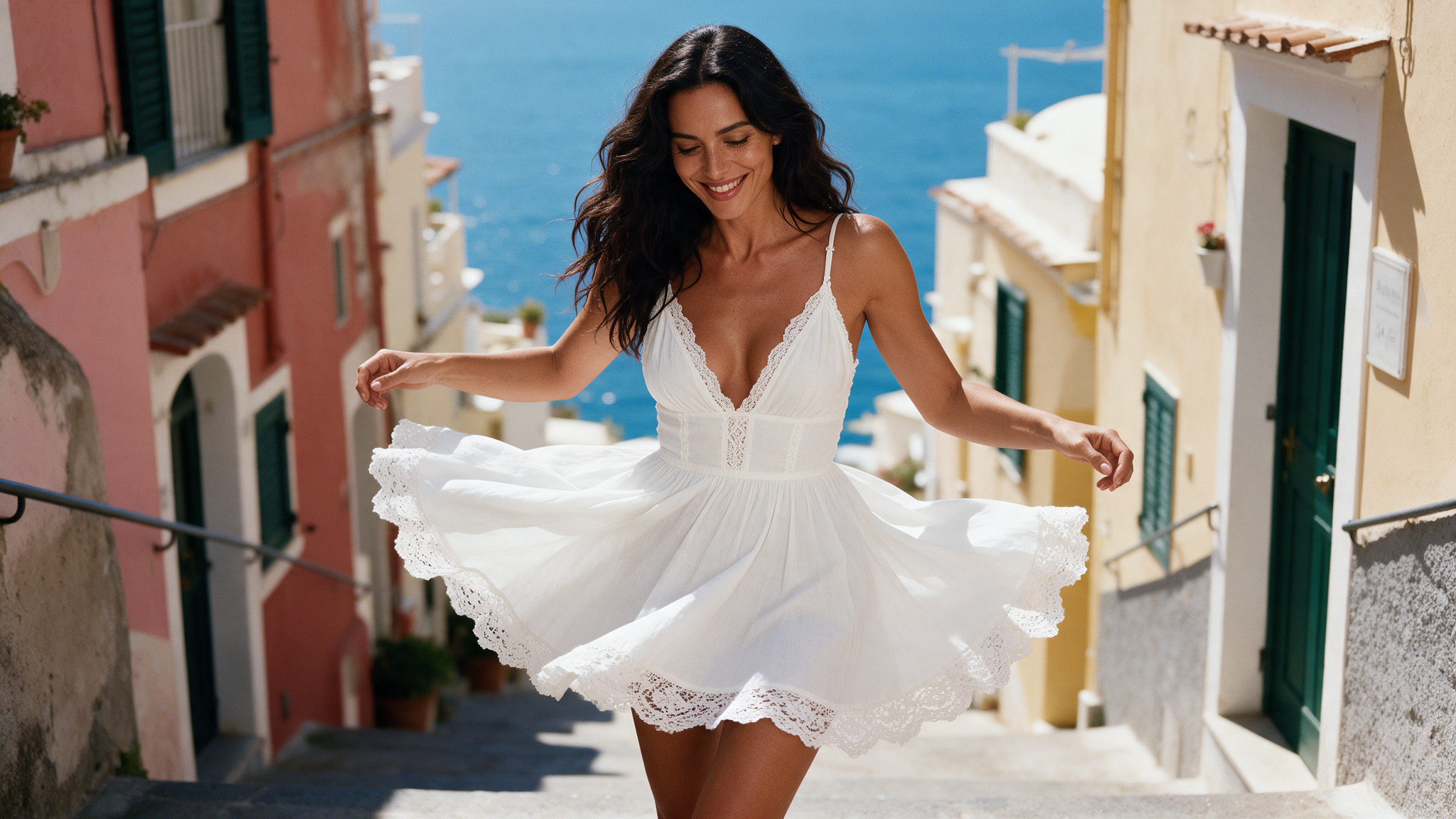
Wan 2.6 is Alibaba's video-focused generation model for short narratives with stronger references and synchronized sound. The official product page highlights 15-second 1080p clips, native audio, up to three simultaneous character references, and a large pool of reference frames for preserving appearance, scene, and voice.
That combination moves Wan toward a complete short-scene tool. The model is not just animating one photo. It is trying to carry characters, dialogue, camera, and mood through several connected shots.
Quick Facts
| Attribute | Wan 2.6 Video |
|---|---|
| Developer | Alibaba |
| Category | Audio-video generation |
| Maximum documented clip | 15 seconds |
| Maximum resolution | 1080p |
| Reference frames | Up to 150 |
| Simultaneous character references | Up to 3 |
| Audio | Native, synchronized |
| Multi-shot support | Intelligent scene transitions |
| Standard OpenRouter route | Not exposed as a native video endpoint |
1. What the Model Does
Wan 2.6 can turn a prompt into a short video with visual action and sound. It supports character reference from images or videos, preserves visual appearance across scenes, and can retain a character's timbre when voice is part of the reference set.
The multi-shot feature is useful for advertising and short stories. A prompt can be broken into connected beats rather than treated as a single moving photograph. The model attempts to keep wardrobe, setting, and mood consistent while changing the shot.
Wan also describes image-generation and interleaved text-image capabilities in the broader 2.6 workflow. This article treats the video route as the main product, but teams may use the family for storyboards before animation.
2. Why 15 Seconds Matters
Fifteen seconds is long enough for a small scene or several quick cuts. It is not long enough for a full short film. Plan around scene-level clips and conventional editing for the final sequence.
The improvement is not only length. Native audio and longer multi-shot handling reduce the number of separate tools needed for a first cut. Dialogue, ambience, and visible action can be generated together, which makes the rhythm easier to judge.
That first cut still needs review. Speech may be unclear, a character's voice can drift, or two speakers may overlap incorrectly. A reference timbre does not guarantee an accurate performance or a legally usable voice.
3. Reference Strategy
An allowance of 150 reference frames sounds like freedom but behaves more like a constraint. Too many inconsistent frames can confuse appearance or average together details. Curate the set around one identity, wardrobe, product, and visual treatment.
Use up to three character references only when the composition is designed for them. Multi-character scenes increase the chance of identity swaps and occlusion errors. Check faces, hands, clothing, and eye lines after generation.
For sound, preserve the approved voice reference separately from background material. Do not upload a real person's voice without permission. Voice cloning rules and disclosure requirements depend on the service and jurisdiction.
4. Local Deployment and Access
Do not assume Wan 2.6 is downloadable just because earlier Wan releases were open. Hosted product availability, checkpoints, and licenses can differ by version and region. A page promising local Wan 2.6 should name the exact weights and license.
OpenRouter's general model API reviewed here focuses on text and image models and does not expose a native Wan 2.6 video route. Use Wan's own product, Alibaba Cloud, or a dedicated media API. Confirm duration and resolution on the endpoint.
5. Best Uses
- Multi-shot social stories.
- Character-led ads with recurring visual identity.
- Product films with native ambience.
- Short explainers with dialogue.
- Storyboards with an audio first pass.
- Localization variants after checking voice and cultural context.
6. Prompting Advice
Write a shot plan inside the prompt. Separate “shot 1,” “shot 2,” and “shot 3,” naming the subject, action, camera, and transition for each. State which character and product details must remain identical.
Describe the audio independently: who speaks, what they say, which ambience runs underneath, and which sounds should occur with visible actions. For difficult scenes, generate fewer shots per prompt and edit them together.