 99.9% SLA

Veo 3.1 Fast: For Teams That Need Another Take Before Lunch
Veo 3.1 Fast is the speed-oriented serving route in Google's Veo 3.1 family. It keeps the short cinematic format and native audio that make the model useful, while reducing the cost and time needed for commercial iteration. It is less about maximum image quality and more about getting a good enough shot quickly.
As with standard Veo 3.1, current access has changed. Google's Gemini API preview endpoint for Veo 3.1 Fast was retired on October 22, 2026. Enterprise, cloud, and partner products may still offer the model under current terms. The name describes the model, not a guarantee that every old endpoint still works.
Quick Facts
| Attribute | Veo 3.1 Fast |
|---|---|
| Developer | Google DeepMind |
| Output | Video with native audio |
| Durations | 4, 6, 8 seconds |
| Resolution | 720p, 1080p, 4K where supported |
| Aspect ratios | Landscape and portrait |
| Reference images | Up to 3 on the Fast family path |
| Extension | Eligible generated clips, 720p extension |
| Main strength | Faster iteration and commercial throughput |
| Current API note | Legacy Gemini preview endpoint retired October 22, 2026 |
1. What Fast Changes
The core creative controls remain familiar: text or image to video, audio, reference images, and frame interpolation. Google positions Fast for developers who need high-quality output without the standard tier's full turnaround.
The speed difference is most obvious during exploration. Instead of waiting for a single premium render, a team can compare camera angles, lighting, and motion. That often produces a better final choice before anyone spends on resolution.
Fast is not a guarantee that every generation finishes quickly. Queue depth, duration, resolution, and region still affect latency. Measure end-to-end time in the provider environment, not just the model's published throughput claim.
2. Photorealistic Shots and Movement
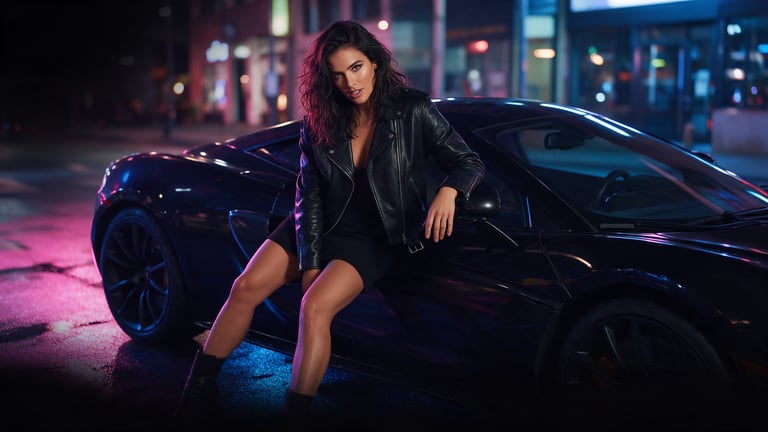
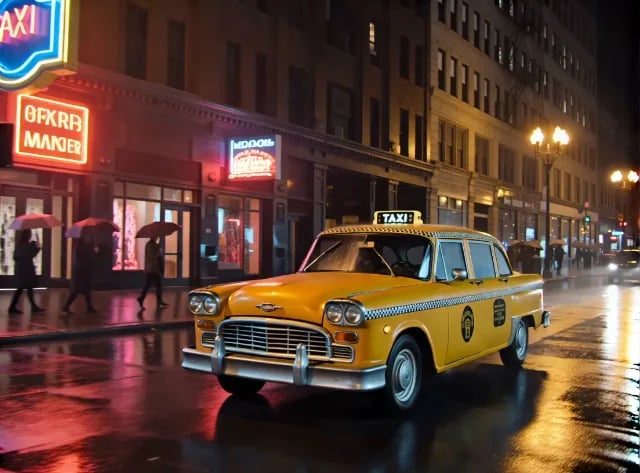
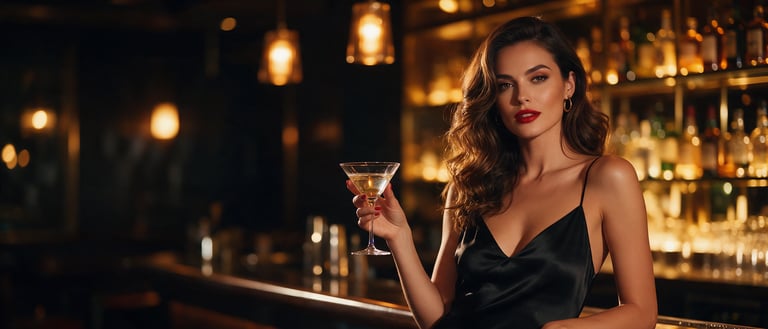
Veo's style range includes cinematic realism, advertising, and stylized animation. The model generates sound with the picture, including dialogue and effects. That gives a convincing first review, but exact speech, brand pronunciations, and tightly timed sound still require editing.
Use references to preserve a product or character. Keep them visually consistent and aligned with the requested camera. A good reference helps; three contradictory references can lock the model into an impossible average.
The first and last frame controls are useful for transitions. They do not guarantee a plausible path between the images. Watch for objects bending, faces changing, or a product appearing to melt during the move.
3. Where It Fits
Fast is well matched to social ads, A/B tests, animated product stills, storyboard review, and the exploratory phase of a commercial. It makes less sense when the endpoint lacks the 4K resolution, references, or extension needed for the final. Check the route before promising those features.
Veo 3.1 Lite is cheaper but intentionally simpler. Standard Veo 3.1 puts more emphasis on premium output. Fast is the middle path: familiar controls, lower cost and latency, and enough quality for many accepted clips.
4. Cost and Access
Pricing is usually based on seconds, resolution, audio, and serving tier. A higher-resolution eight-second clip costs much more than a short low-resolution draft. Generate at the lowest setting that can answer the creative question.
The current provider matters more than an old benchmark table. The retired preview endpoint should not be described as available today. Look for an Enterprise Agent Platform, Google Cloud, or partner route and confirm commercial rights.
OpenRouter's text-and-image model catalogue does not expose Veo video generation as a standard chat model. Use a video endpoint.
5. Best Uses
- Rapid ad concepts with native sound.
- Product stills animated into short social clips.
- A/B testing of camera angles and lighting.
- Storyboard previews with dialogue.
- Reference-guided character shots.
- First/last-frame transitions.
6. Prompting Advice
Brief one shot at a time. Name the subject, motion, camera, lens, light, setting, audio, and style. State whether the shot must remain continuous. For a product, describe how it should move physically rather than asking for “a dynamic video.”
Round out the prompt with what must not happen: no text changes, no extra people, no cut, no camera shake. Then review movement frame by frame around contacts and object boundaries.