 99.9% SLA
Ultimate Video Upscaler: AI Video Upscaling Review & Practical Guide
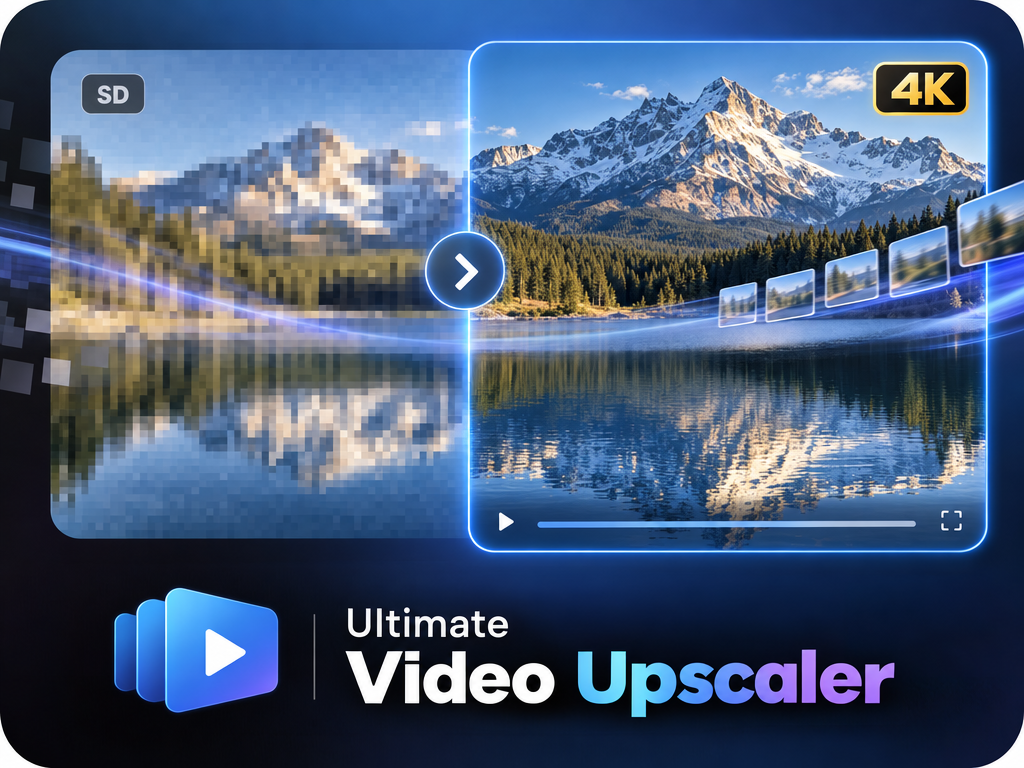
Ultimate Video Upscaler converts low-resolution video into crisp 4K footage. The hard part of video upscaling is not making pixels bigger - any software can do that - but adding detail while keeping motion smooth and frames consistent with each other. That consistency is where this model does its work.
Upscaled video fails in one of two ways: it looks soft (no real detail added) or it shimmers (detail added inconsistently frame to frame). The second failure is far worse, because it draws the eye. A good video upscaler has to be stable across time, and that requirement shapes everything this tool does.
Quick Facts
| Attribute | Value |
|---|---|
| Tool name | Ultimate Video Upscaler |
| Tool ID | ultimate-video-upscaler |
| Category | AI video enhancement |
| Primary task | Upscale low-res video to 4K with consistent motion |
| Input | Low-resolution video |
| Output | 4K upscaled video |
| API | REST inference, no cold starts |
| Best for | Archives, streaming back catalogs, film restoration, game footage |
Table of Contents
- First Impressions
- Core Features
- What to Watch For
- Core Advantages
- Best Use Cases
- Who Should Use It
- FAQ
1. First Impressions
Run a 480p clip through Ultimate Video Upscaler and the result holds up on a 4K screen in a way that simple interpolation never would. Edges are firmer, textures have real structure, and - critically - the detail doesn't wobble as objects move. It looks like the source was simply higher resolution all along.
It is a tool for making old content presentable on modern screens, and it does not overpromise beyond that. Expect a clean, stable 4K version of your source, not new information that was never in the footage.
2. Core Features
- AI super-resolution: recovers fine detail and texture instead of stretching pixels.
- 4K output: targets modern display and platform standards.
- Motion consistency: detail stays stable across frames, avoiding shimmer and pulsing.
- Frame coherence: subjects remain consistent in look and position through the clip.
- REST inference API: designed for batch processing of libraries with no cold starts.
3. What to Watch For
- Garbage in, garbage out: upscaling can't invent detail that compression destroyed; heavily compressed sources stay soft.
- Old footage may need more than upscaling: scratches, flicker, and color damage are restoration tasks, not upscaling tasks.
- Long clips take time and budget: processing 4K video is compute-heavy; plan for duration-based cost.
- Check faces and fine text: these are the areas where artifacts show first - spot-check before publishing.
4. Core Advantages
- Modernizes legacy content: old SD footage becomes presentable on 4K displays and platforms.
- Temporal stability: consistent frame-to-frame detail is the quality that separates professional upscaling from filter plugins.
- Batch-ready: built for catalog-scale processing, not single clips.
- Practical integration: REST API with no cold starts fits into archival and publishing pipelines.
5. Best Use Cases
- Archival video digitization and re-mastering.
- Streaming back-catalog upgrades for VOD platforms.
- Game capture and user-generated content polish.
- Corporate video libraries upgraded for modern presentation.
6. Who Should Use It
Pick it up if you manage video libraries - archives, catalogs, or personal footage - that need to reach modern resolution standards.
Skip it if your source is heavily compressed with no recoverable detail, or if what you actually need is full restoration (scratch removal, color grading) rather than upscaling.